GTA 4 APK

Important:
What you need to know before installation:
- The game will not work properly on budget or low-end smartphones, or devices older than 4-5 years;
- GTA IV runs well on processors starting from Snapdragon 8 Gen 1 or higher;
- At least 4 GB of RAM is required;
- You need at least 10 GB of free storage space to download and extract the ZIP archive.
Installation guide:
- Download and install GameHub. Launch it and allow all requested permissions (required for proper operation). Wait until it downloads and installs all necessary plugins;
- Download the GTA 4 ZIP archive using the links below. Extract it using MT Manager, RAR, or any similar app. Remember the location where you extracted the files - it can be any folder you prefer;
- Open GameHub, swipe to the right, and select the Windows icon;
- Tap "Import PC Game". A file manager will open - navigate to the folder where you extracted the ZIP archive, then go to: GTA 4\gta_data\ select GTAIV.exe;
- Wait while GameHub loads all required files;
- GTA IV will appear in the main menu, and you can launch it.
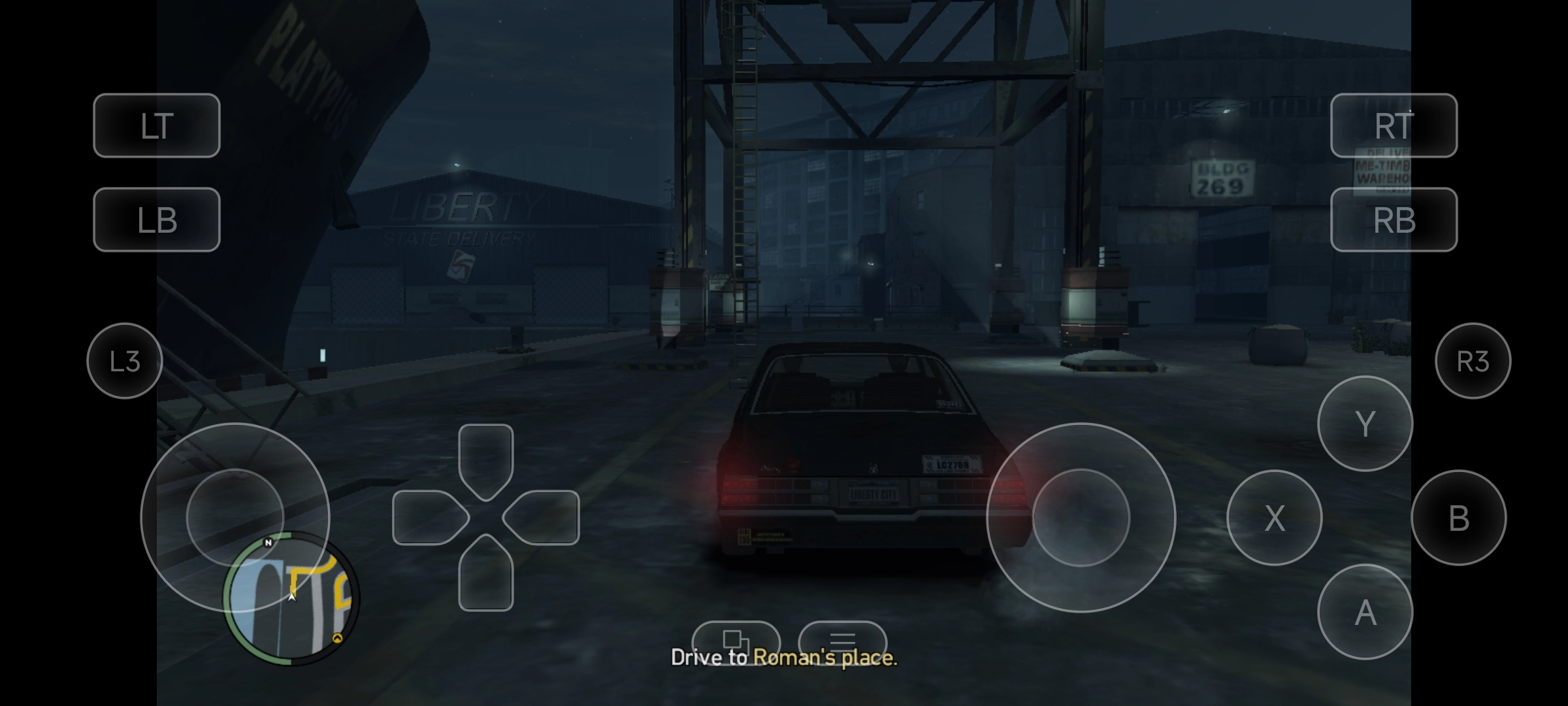
Description
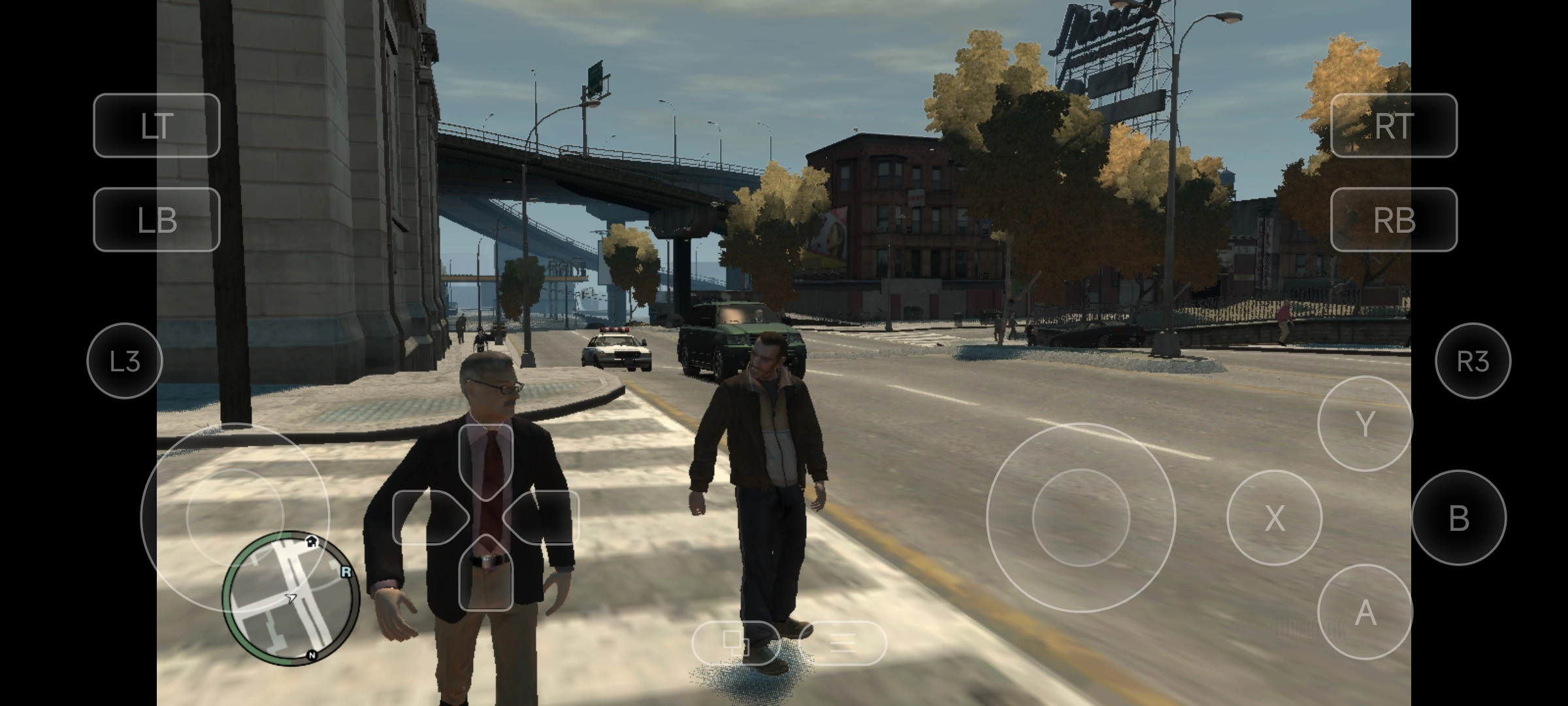
Grand Theft Auto IV isn’t just another game - it’s a landmark. When it dropped in 2008, it proved that open-world games could go deep, gritty, and real. You play as Niko Bellic, an immigrant with big dreams who lands in Liberty City only to find himself tangled up in debt, betrayal, and all kinds of trouble.
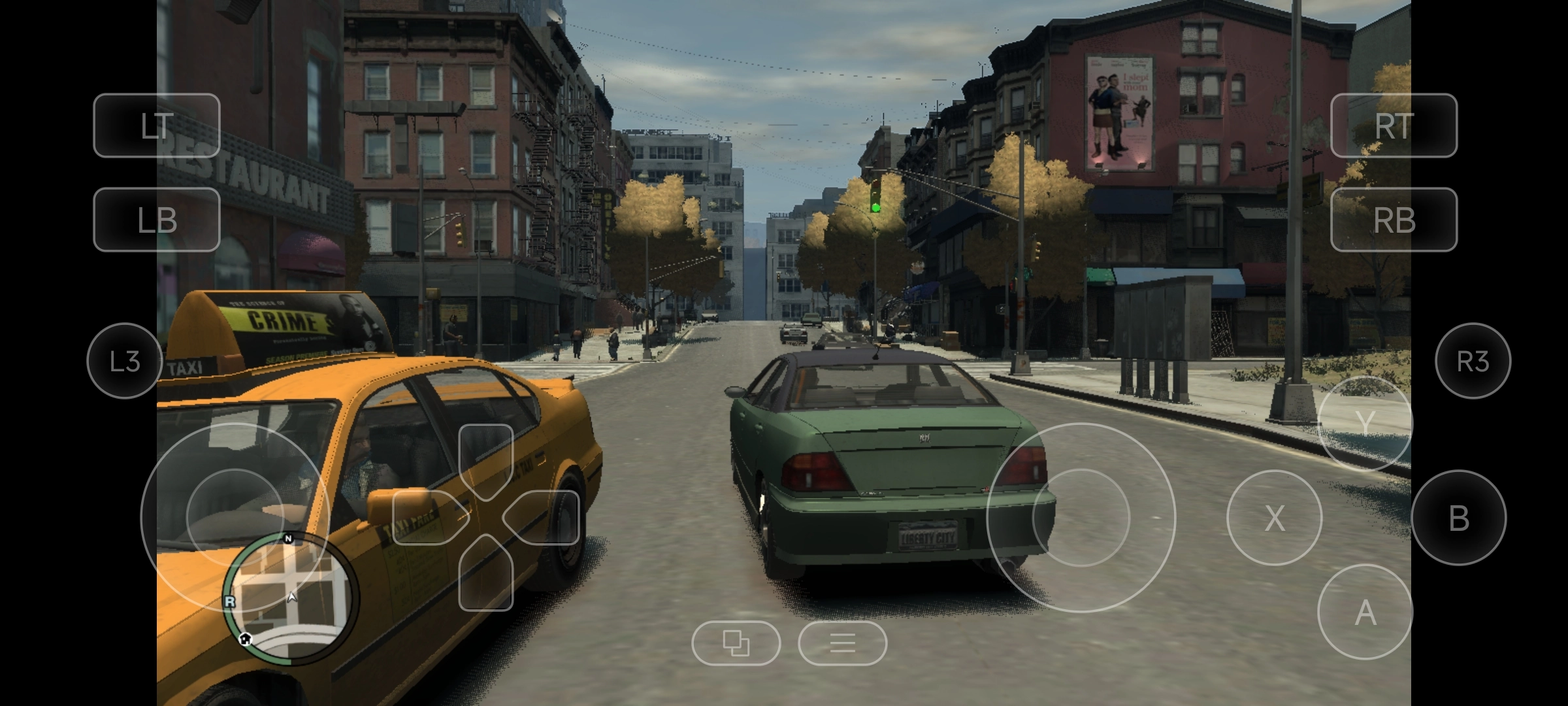
Driving feels weighty, like you’re actually handling a car. People on the street react to you - sometimes they yell, run, or even fight back. And who can forget Roman? "Niko, let’s go bowling!" pops up so often it’s basically part of the game’s DNA. Everything just draws you in; the city feels alive, and honestly, you’ll want to hit replay more than once.
How to play GTA IV on Android
Alright, here’s the truth: Rockstar never made an official Android version. You could use cloud gaming, but you’ll need a fast internet connection and a subscription - kind of a hassle.
GameHub is a PC emulator for Android. Install it, load up GTA IV, and you’re good to go - no need for cloud streaming.
What’s on this page
You’ll find everything to get started:
- GTA IV (optimized for GameHub)
- GameHub emulator download
- Straightforward instructions to import and launch the game
- No sketchy downloads, no weird antivirus warnings. Safe and simple.
System requirements
Let’s not sugarcoat it - GTA IV asks a lot from your phone. You’ll need:
- Snapdragon 845 or better (8 Gen 1/2/3 is ideal)
- At least 4 GB RAM
- About 10 GB of free storage
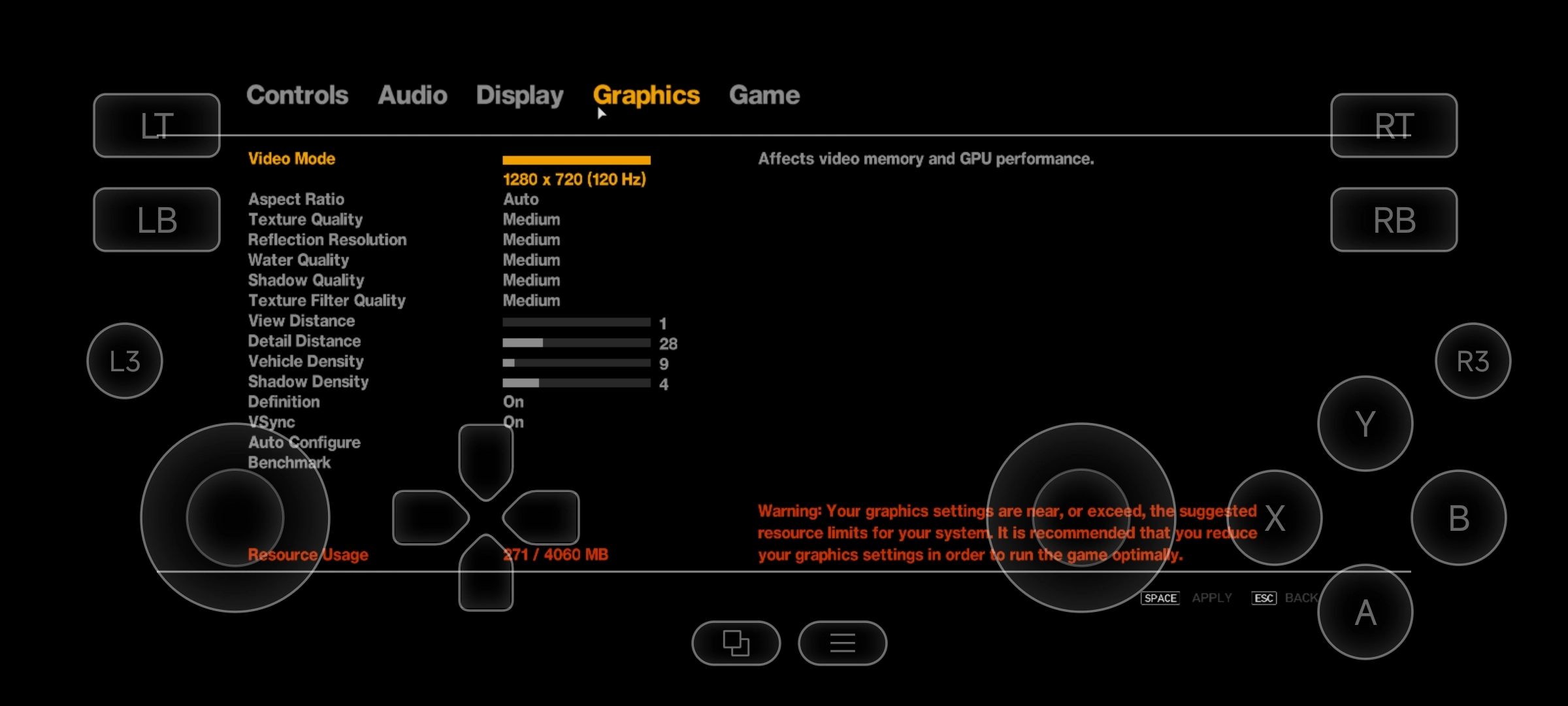
Expect your phone to heat up - it’s just how it goes. On high-end models, you’ll get roughly 25-30 FPS on medium settings. Cheaper phones? Performance drops. But if your device can handle PUBG Mobile or Genshin Impact, you should be set for GTA IV.