GameHub APK

Security Check: Review (1/65)
One security vendor flagged this file. In most cases, this is likely a false positive, often caused by embedded ads or a changed APK signature after modification.
The latest version of the APK has been scanned by 65 antivirus engines:
- Results: View report
- SHA-256: 1ba5a8a86f66300e2178831a8ea93c016828fbcecd3675fd87275b66ba4340d0
- This SHA-256 hash is unique for each file. You can use it to verify that the downloaded file is identical to the one that was checked on VirusTotal.
Important:
Version 5.3.5 Lite with a useful DocumentsProvider patch that enables access to the /data/ folder via file managers.
Description
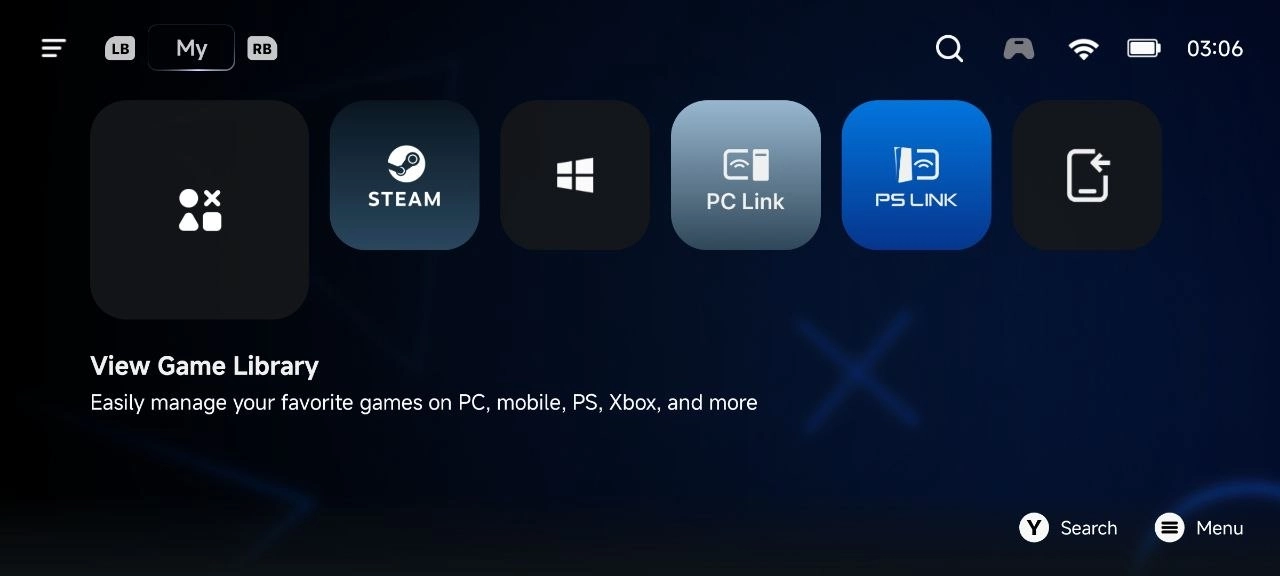
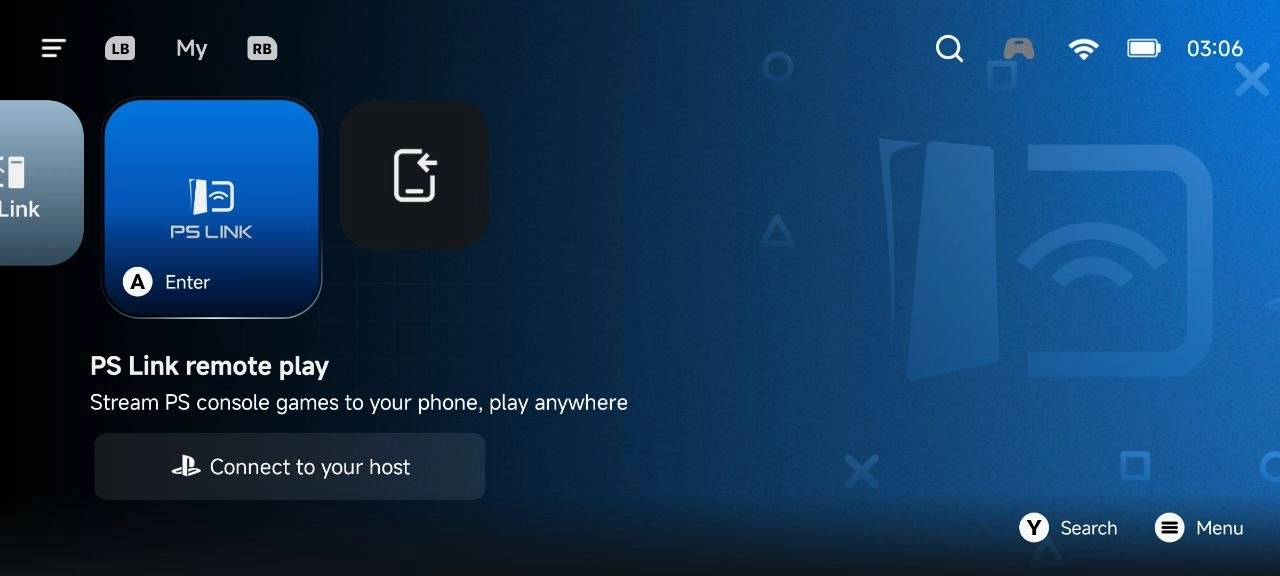
Want to play your favorite PC games on your phone? Just grab the GameHub app. It's got everything in one spot - cloud gaming, PC emulators, game streaming - so you can run Windows games right on your device. Use your touchscreen or a controller, whatever feels best.Setup's a breeze. After you install GameHub, you can start launching PC games right away. There’s no complicated setup - seriously.
Here's all you need to do:
- Install GameHub
- Open it up
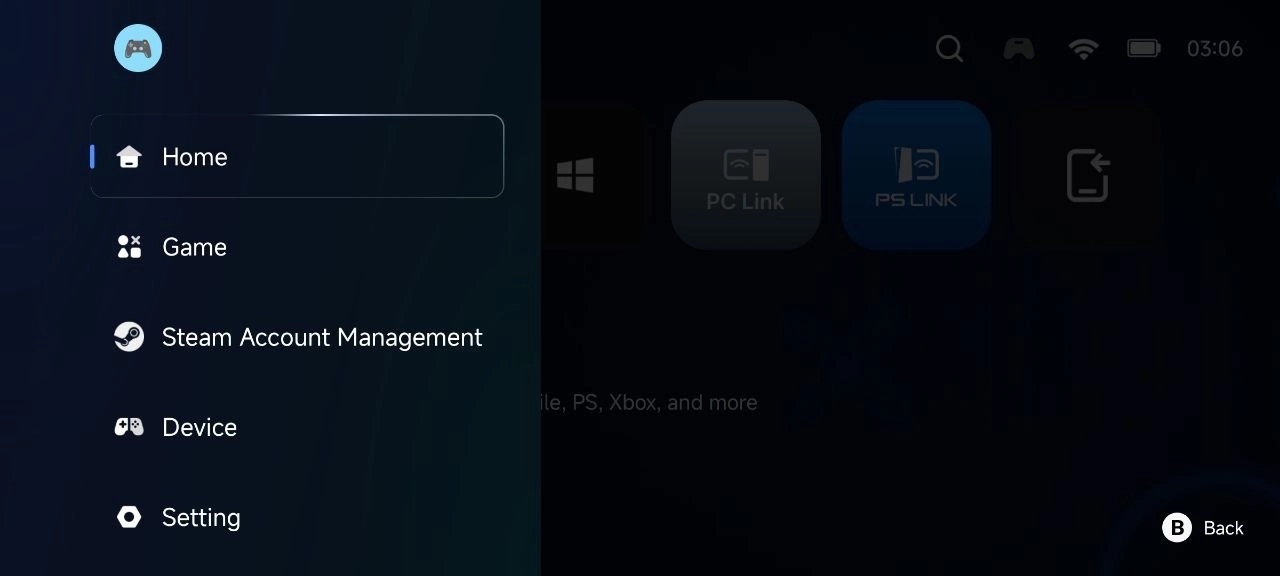
- Sign up with your Apple ID or Google account
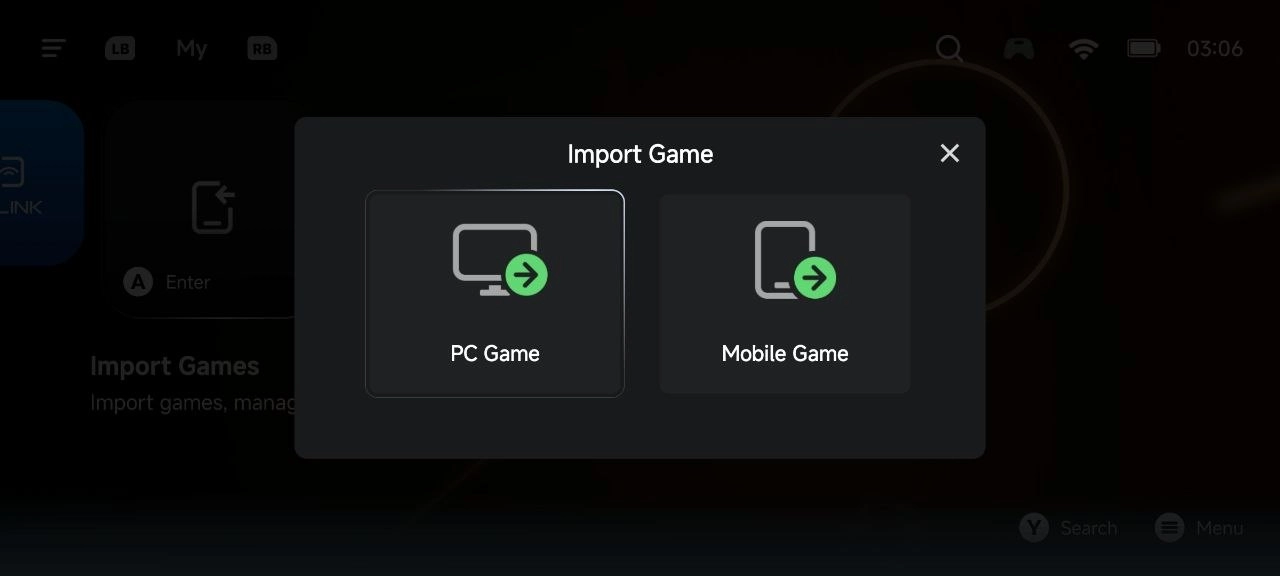
- Pull games from your Steam library, or transfer them from your PC
- Head to your game library in the app
- Pick a game and tap "Get Game"
GameHub does the rest. It grabs the files you need and launches the game in seconds.
Try GameHub on Android and bring your PC games wherever you go. You can even tweak compatibility and resolution settings for each game, so everything runs smooth and looks great - no freezes, no crashes, just pure gaming.
Download GameHub for Android
 Google Play