Dr. Driving MOD APK (Unlimited Money)
Security Check: Safe (0/67)
No viruses, spyware, or malware detected.
The latest version of the APK has been scanned by 67 antivirus engines:
- Results: View report
- SHA-256: 83f070b0cd6b3bcb640378d8c600cdc62c3c315c724a0e2408cd338366191f2f
- This SHA-256 hash is unique for each file. You can use it to verify that the downloaded file is identical to the one that was checked on VirusTotal.
MOD features
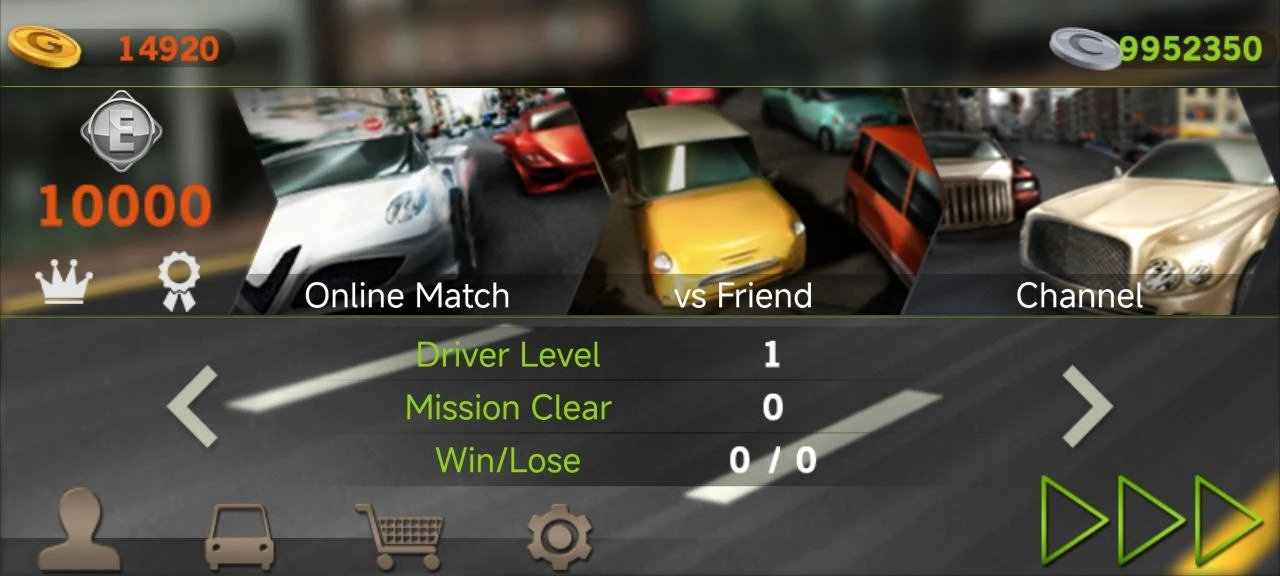
Unlimited money lets you:
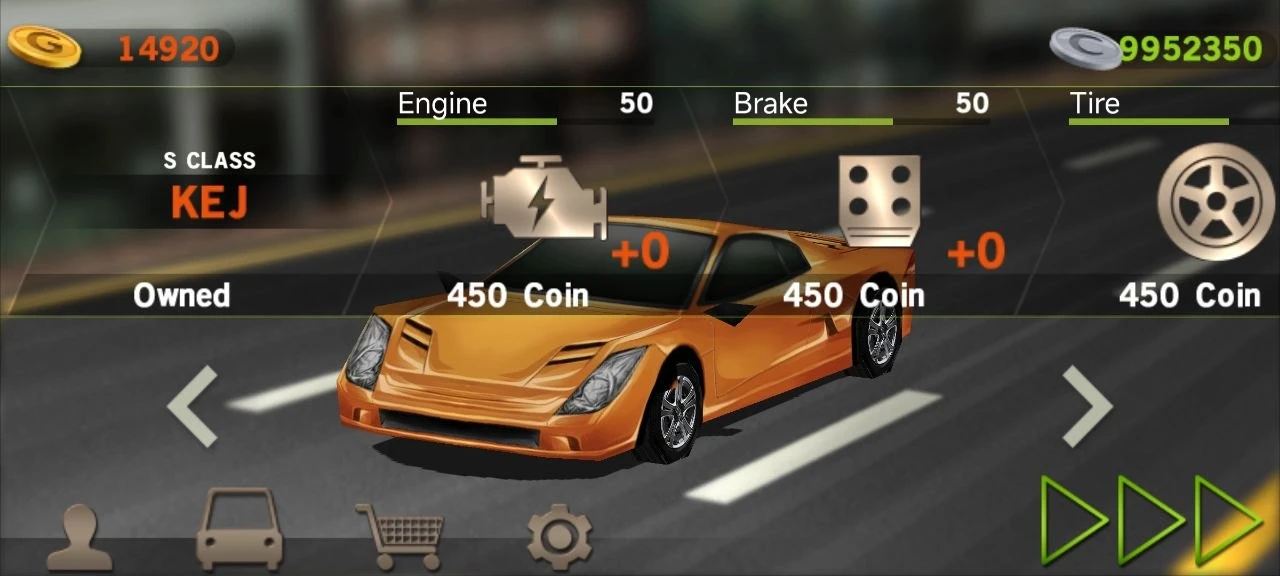
- Unlock all cars
- Unlock all upgrades
Description
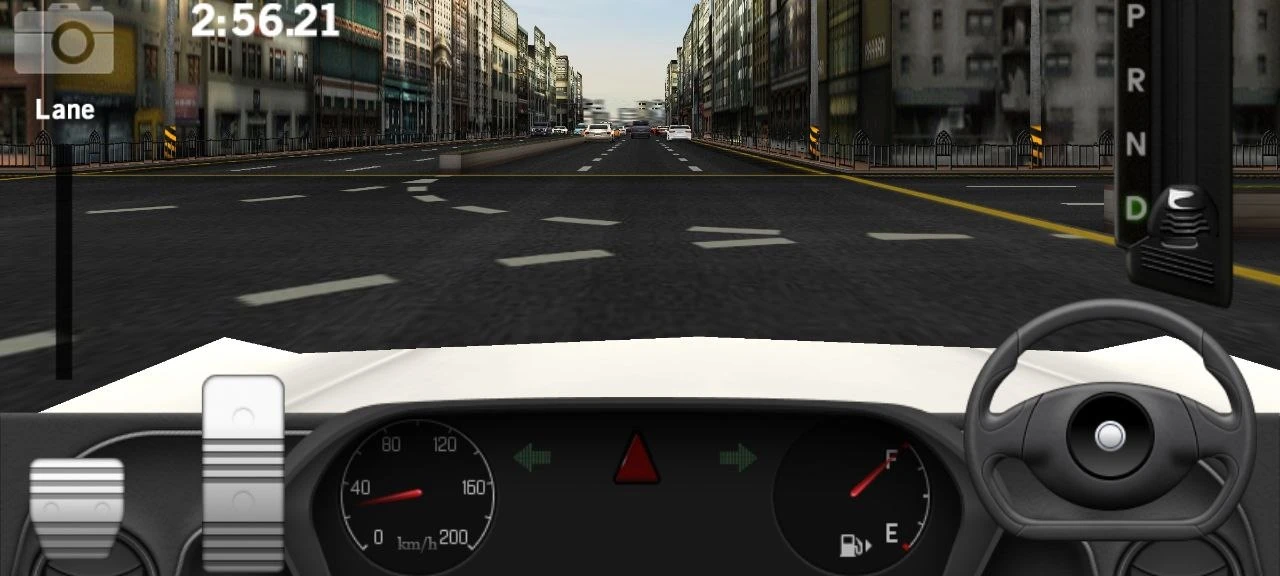
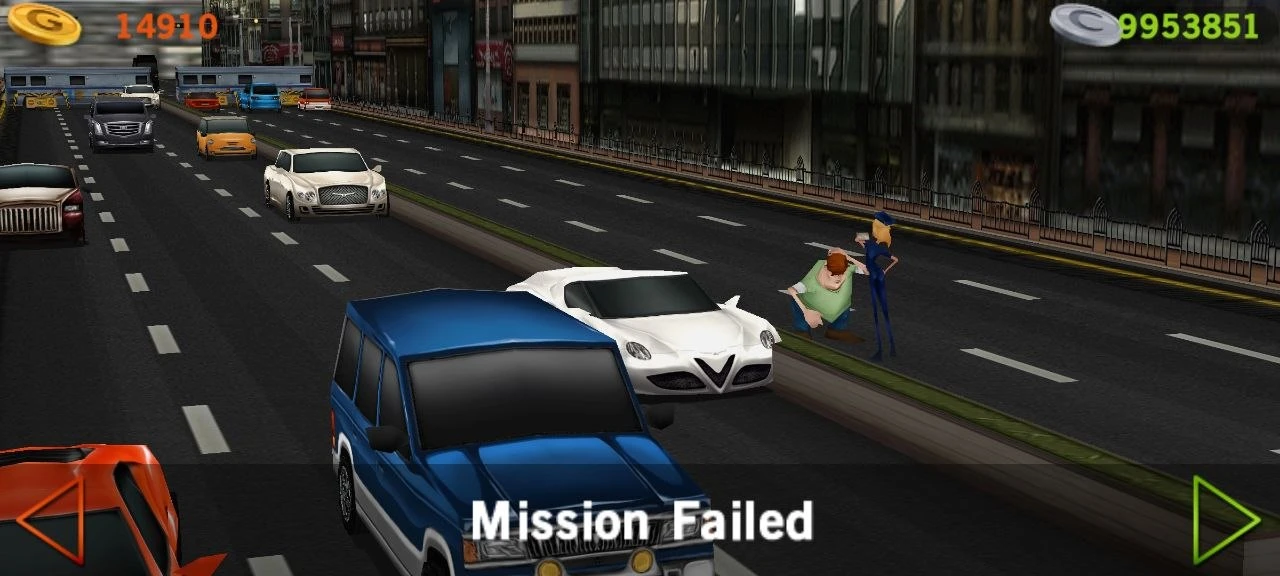
Dr. Driving for Android isn’t your average racing game. Forget rally tracks, illegal street racing, and professional championships - here, you’re just an everyday driver, navigating busy city streets in a realistic driving simulator.
CHOOSE YOUR CHALLENGE
The game keeps things engaging with several distinct modes, including Free Drive, Speed Missions, and online multiplayer if you’re feeling competitive. The missions throw plenty of variety at you: you might have to rush a VIP to a specific location, maximize your fuel efficiency, or pull off a tight parallel parking job before the timer runs out. Navigating is simple - just follow the big on-screen arrows to make your turns, keep your eyes on the road, and avoid crashing into heavy traffic.
CRUISE WITH UNLIMITED GOLD
If you just want a straightforward casual game with zero complicated storylines, Dr. Driving is the perfect time-killer. However, unlocking the best cars in the dealership normally requires a massive amount of grinding. To skip the slow farm, you can download the Dr. Driving mod APK from our site. This version instantly fills your account with unlimited money and gold, letting you buy and upgrade any vehicle right from the start.
Download Dr. Driving for Android
 Google Play