Poppy Playtime 2 (Full Version) APK
Important:
You can download the full version of the game for free.
Description
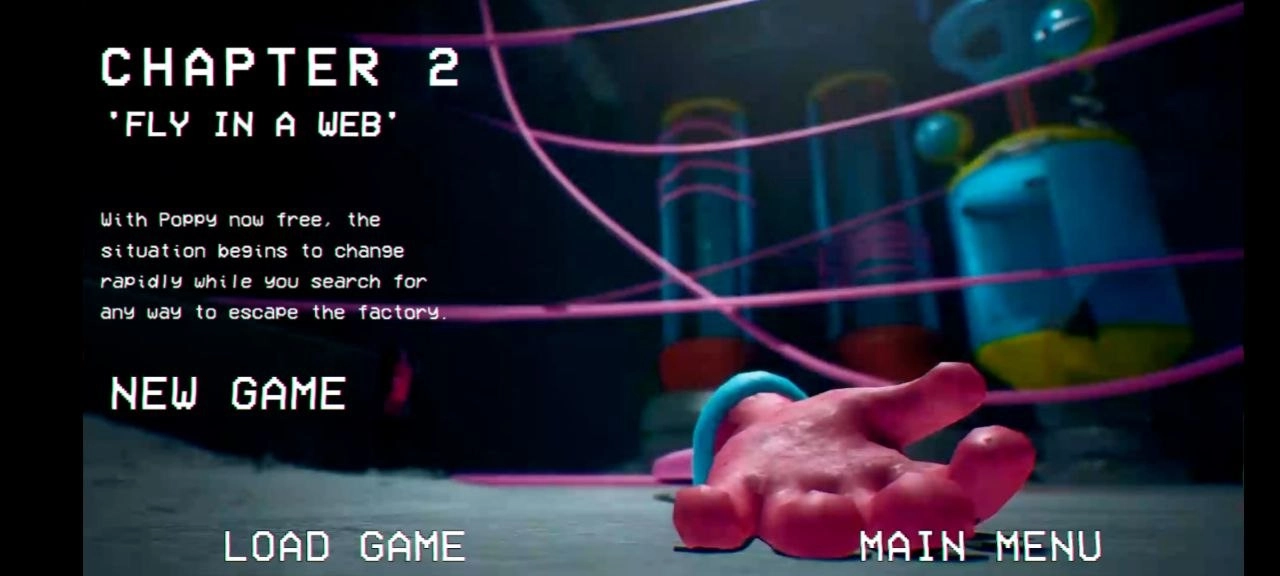
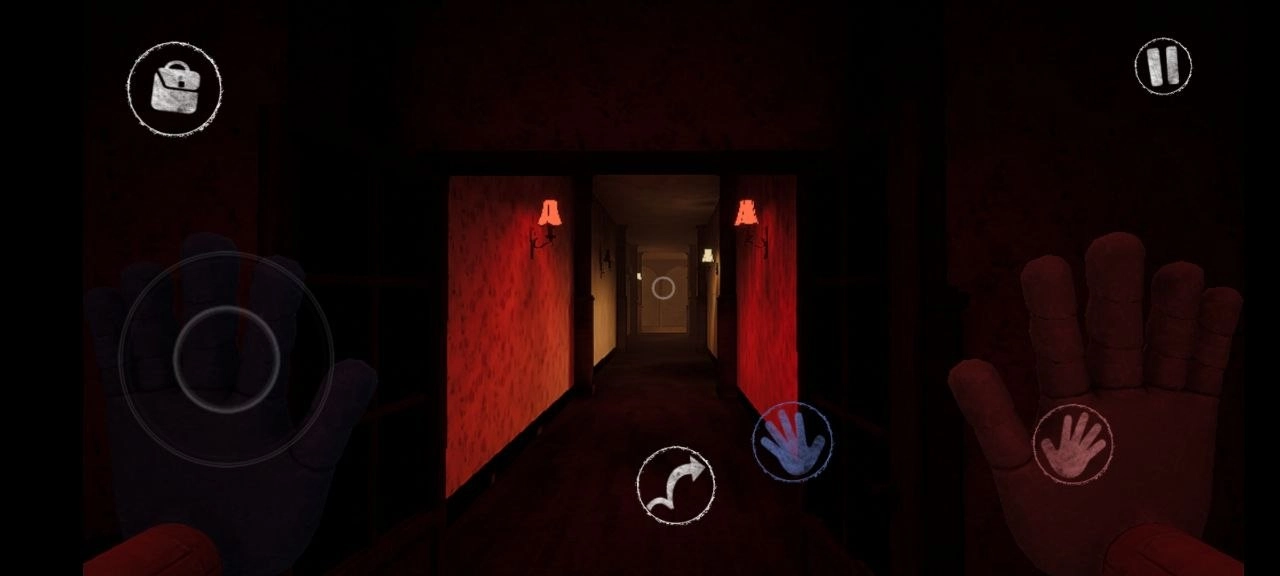
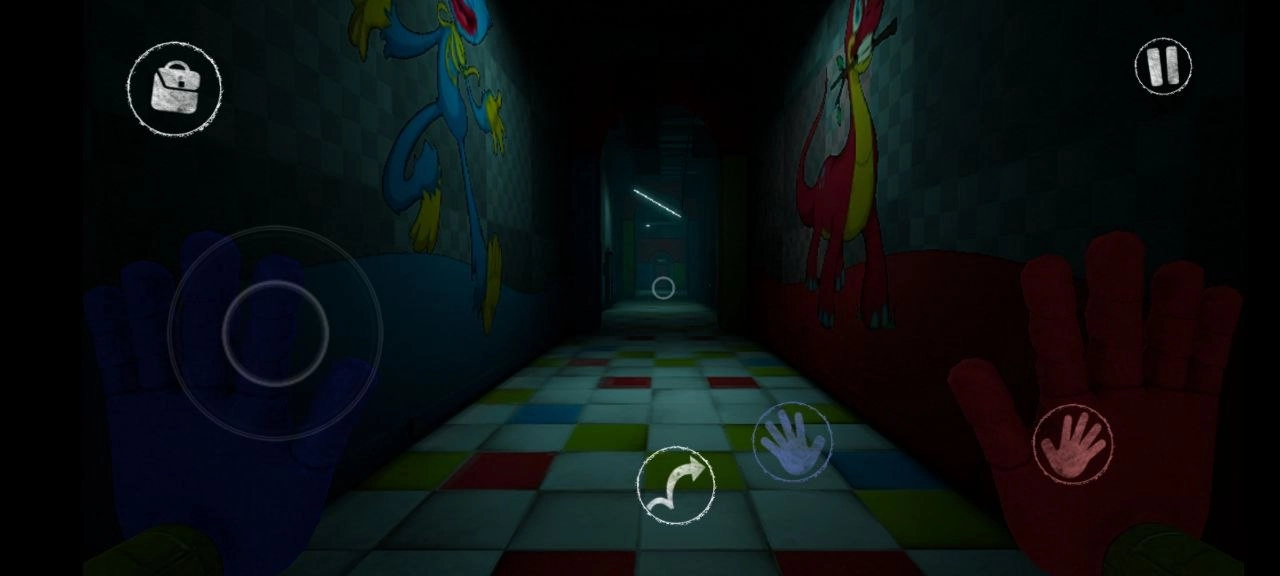
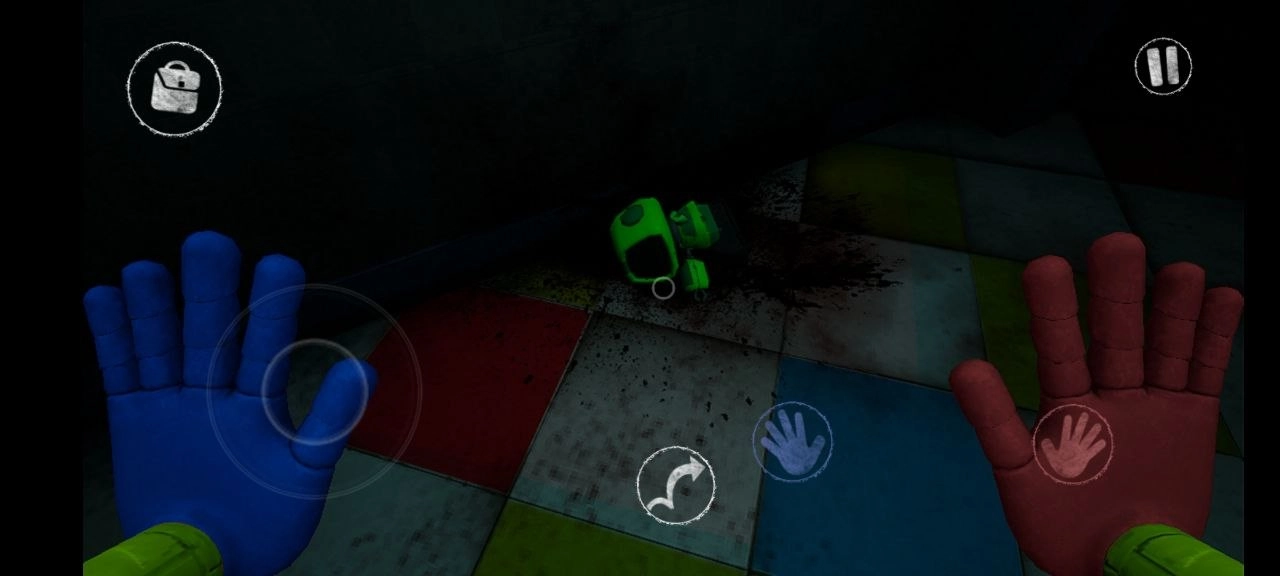
Poppy Playtime Chapter 2 doesn’t slow down at all. You’re back as the lone survivor, still stuck in this twisted factory and desperate to find a way out. This time, though, you’re going even deeper. Everything feels heavier, darker, and the dangers just keep ramping up. There are fresh areas to uncover, new monsters stalking you, and the challenges don’t pull any punches. Every hallway feels like something’s watching you. Every toy looks suspicious. And honestly, nothing here wants to let you go without a fight.
Puzzles, Creepy Toys, and Only One Escape
Your goal? Get to the train and get the hell out. Sounds simple, right? But the whole place is a maze of wicked puzzles, deadly traps, and "toys" that would rather see you dead.
Here’s what’s waiting for you:
- Brand new areas - wander into parts of the factory that used to be locked tight, each one creepier than the last.
- New enemies - come face-to-face with the terrifying Mommy Long Legs and other nightmare toys.
- Tougher puzzles - you can’t just wing it anymore, so pay attention or get stuck.
An atmosphere that gets under your skin - the creepy sounds, the long shadows, and the dead silence will mess with your head.
Playing Poppy Playtime Chapter 2 on Android throws you right back into a story that’s definitely not getting any brighter. You’ll have to solve puzzles on the run, survive wild chases, and start piecing together what really happened here.
Download Poppy Playtime 2 (Full Version) for Android
 Google Play