School Party Craft MOD APK (Unlimited Money)

Security Check: Safe (0/68)
No viruses, spyware, or malware detected.
The latest version of the APK has been scanned by 68 antivirus engines:
- Results: View report
- SHA-256: 9af53c364ce350f09a36523c0717f5407c1e4979ffd276591fbde6303ba1a713
- This SHA-256 hash is unique for each file. You can use it to verify that the downloaded file is identical to the one that was checked on VirusTotal.
MOD features
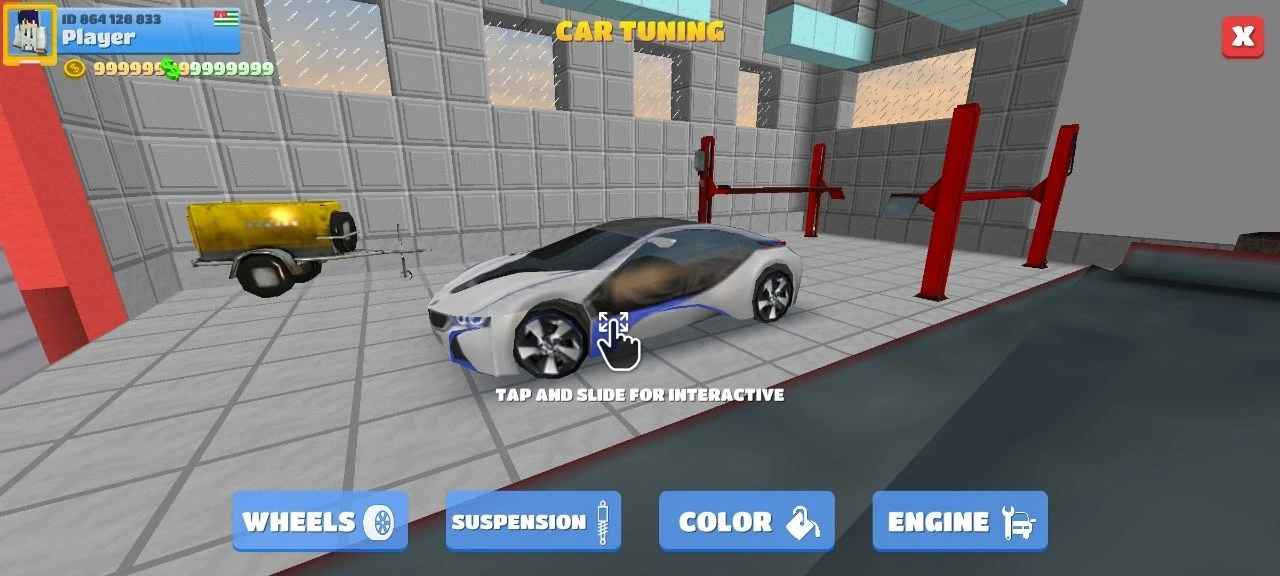
Unlimited money lets you:
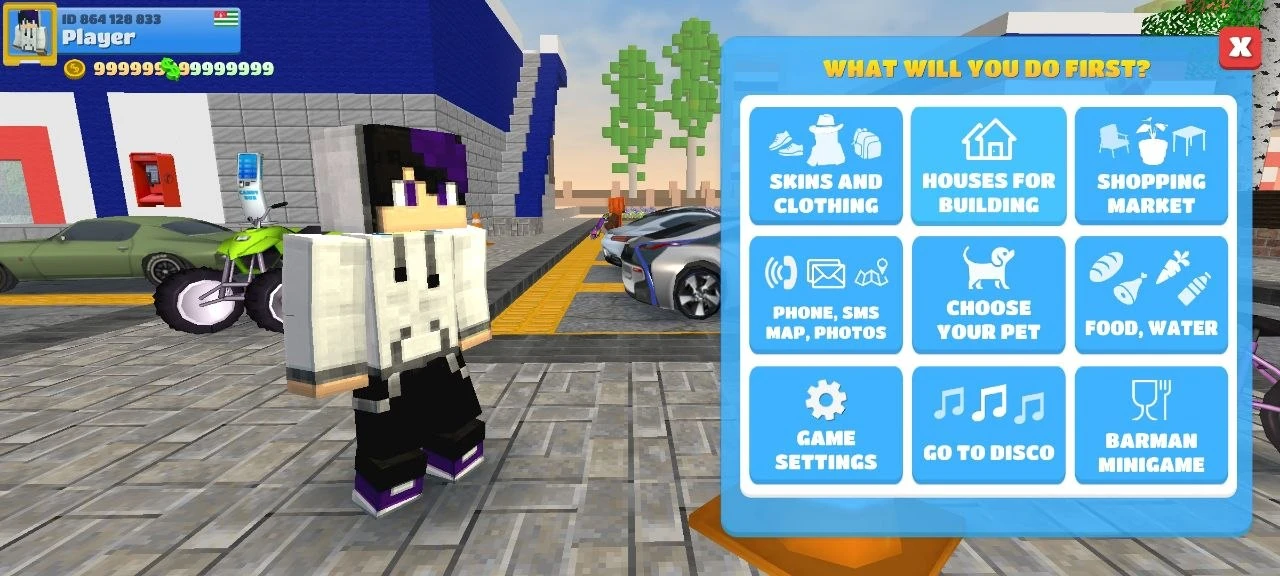
- Unlock all skins
- Unlock all cars
- Unlock all weapons
- Buy any items, food, and pets
Description
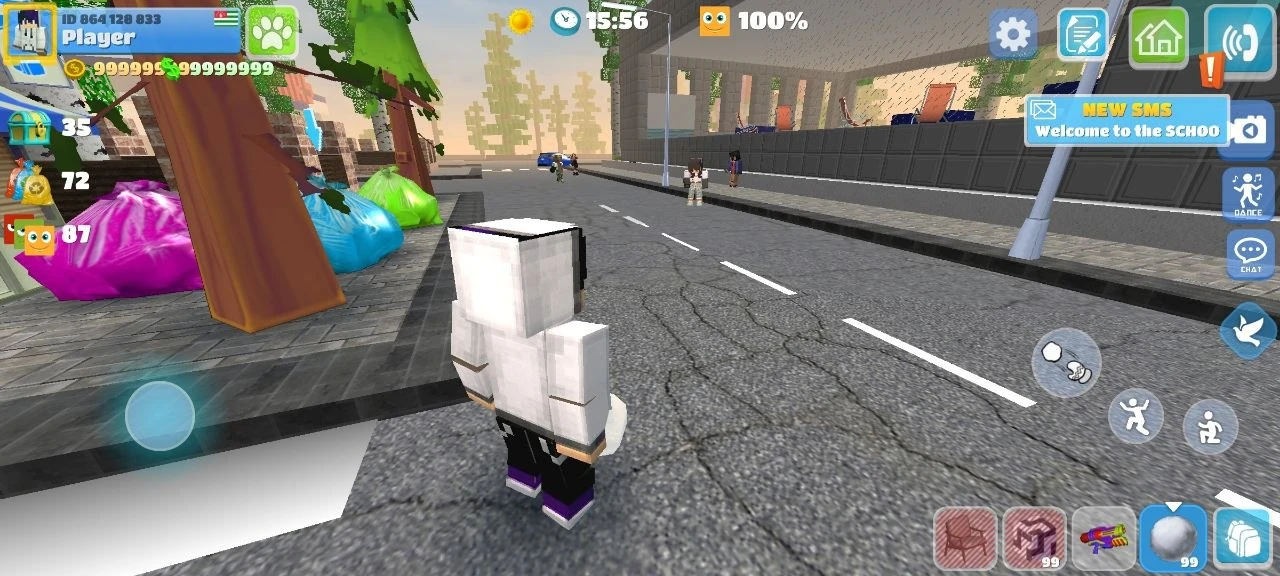
School Party Craft drops you right into a lively sandbox world, where you get to live out your school days in a massive, blocky city. If you download the modded version, you’ll get unlimited money - so you’re set to go wild.
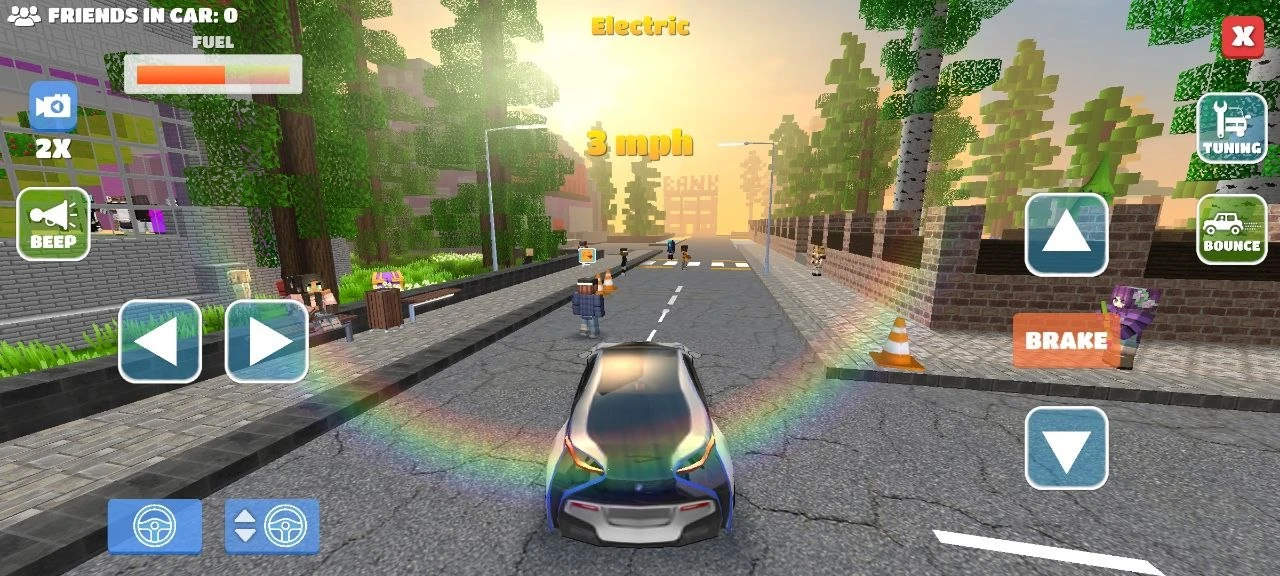
Jump in and start shaping your character’s life however you like. You can build anything - houses, clubs, whatever - using a pile of tools and blocks. The place is packed with other players, so you can message each other, make friends, and just hang out. It’s pretty close to real life, honestly. Go shopping, ride motorcycles or cars, build your dream home, and visit clubs. It’s totally open-ended.
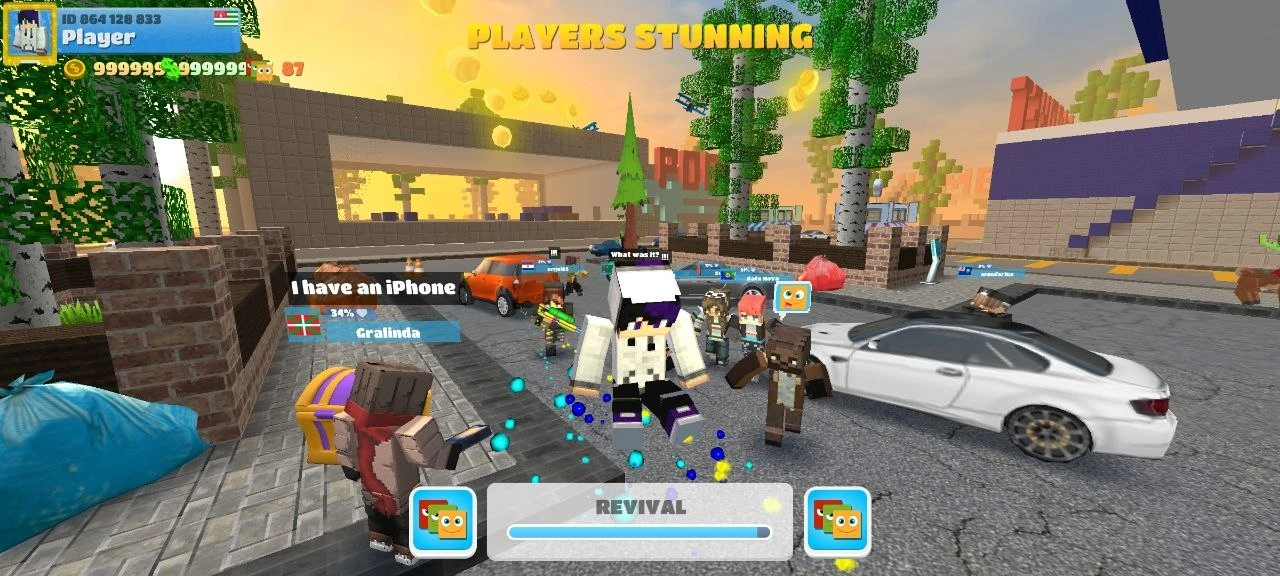
Need a break? There’s a bunch of fun stuff to do. Keep bullies off your cash stash with a wide range of weapons. Invite your friends and throw the wildest party. Dive into unique mini-games, swim in the pool, or check out school classes. You can toggle between first- and third-person view, and the game controls are super easy to pick up. There’s always something new to try.
Download School Party Craft for Android
 Google Play