Stickman Party 234 MOD APK (Free in-app purchases)

Security Check: Review (2/66)
This app has been flagged by multiple security vendors. Please open the full report and review the details before installing. Use this file at your own risk.
The latest version of the APK has been scanned by 66 antivirus engines:
- Results: View report
- SHA-256: 8a92138c3f76fe30b2937a2e3424db1121b940ae24a324d3d3c039b128349e22
- This SHA-256 hash is unique for each file. You can use it to verify that the downloaded file is identical to the one that was checked on VirusTotal.
MOD features
- Free in-app purchases
- Use them to get unlimited coins and remove ads
Description
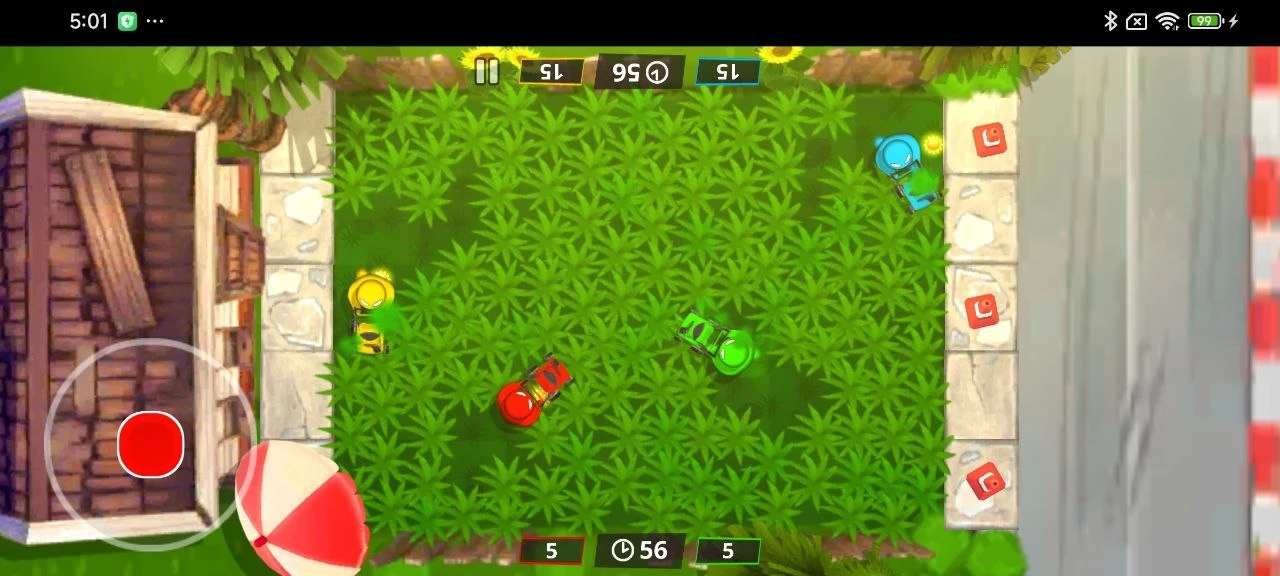
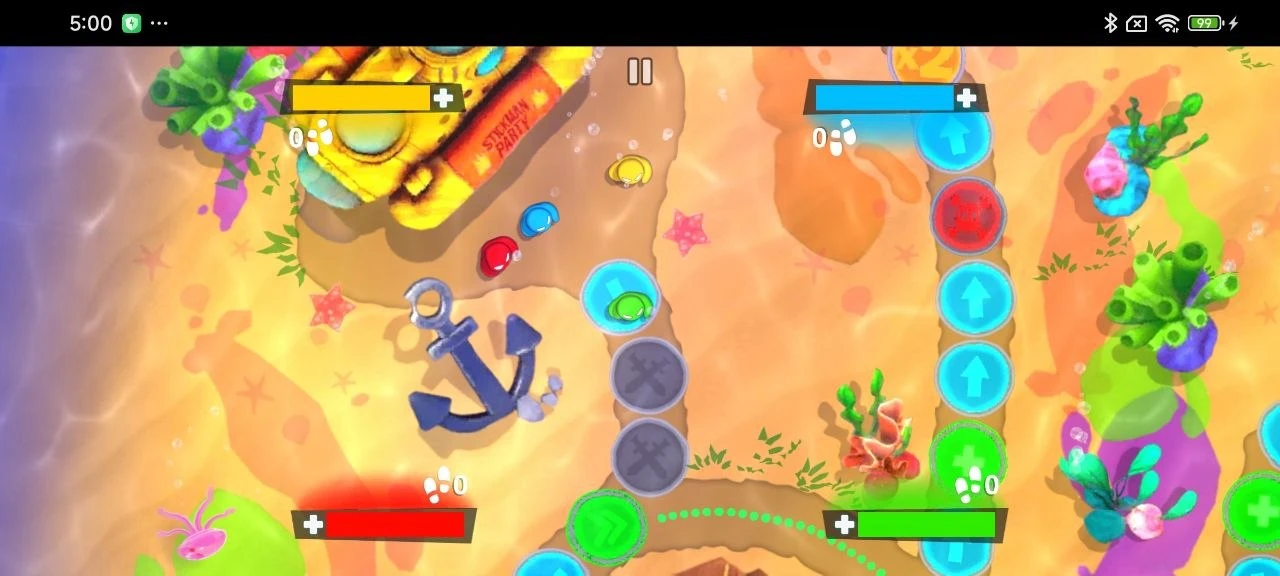
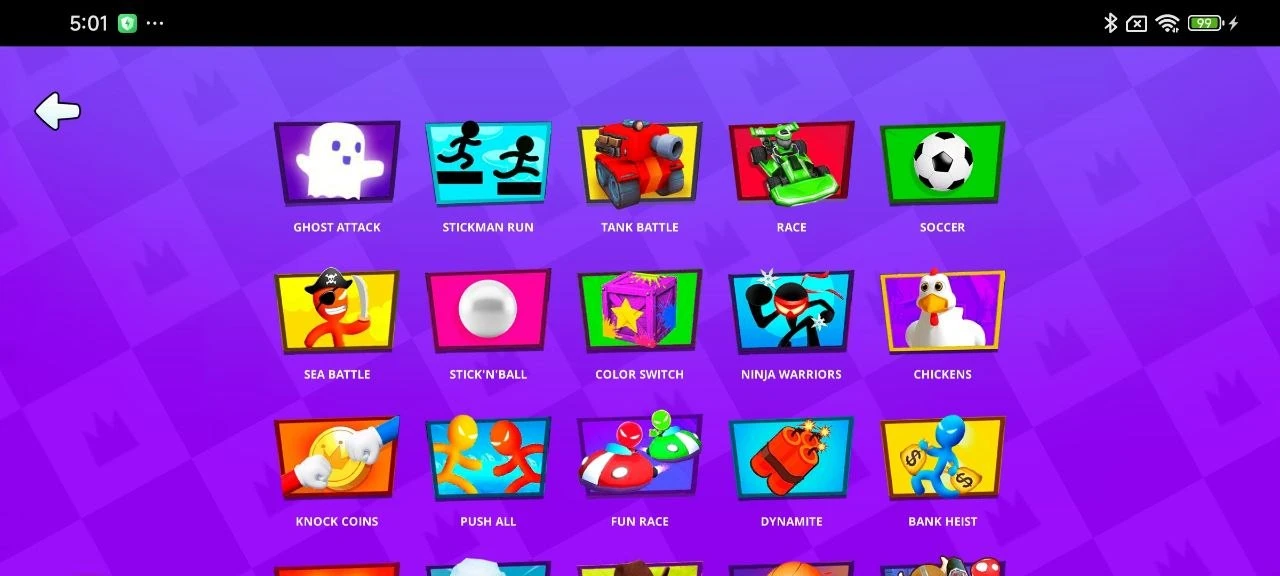
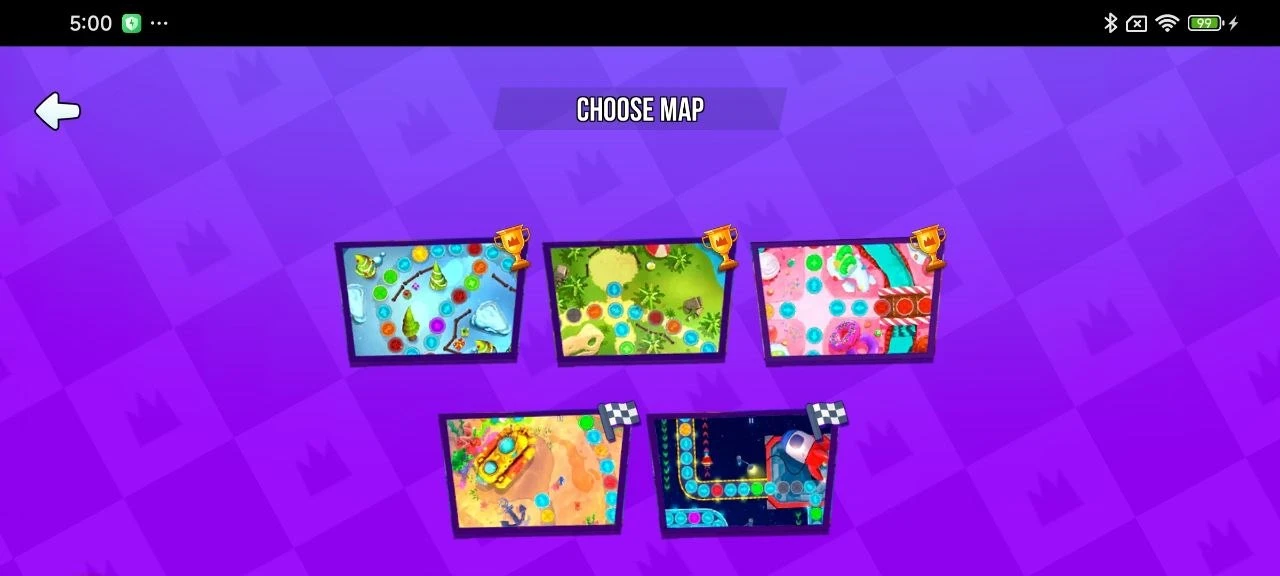
Stickman Party is a wild mix of mini-games packed into one app, perfect for Android users who want to play solo or crash a party with friends. You can jump into intense tank battles, quirky duels, fast-paced races, or even score some goals in soccer matches - all featuring classic stickmen. Crush your opponents, outrun the competition, and dominate the scoreboard. The best part? No Wi-Fi is required, so you can dive in anywhere.
All the best party games in one place
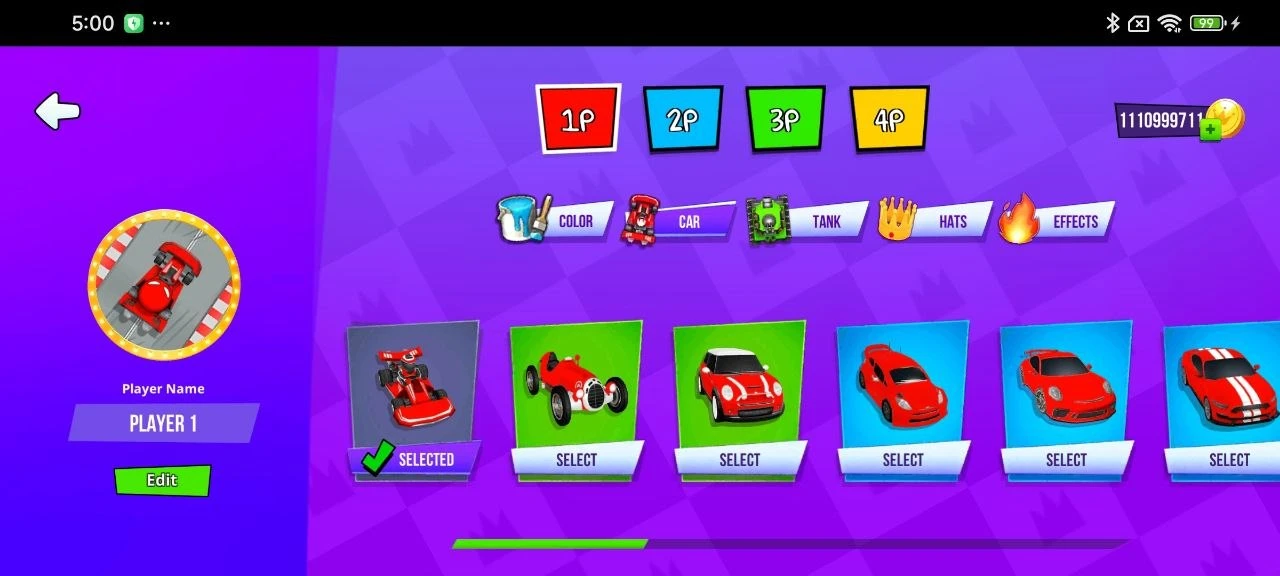
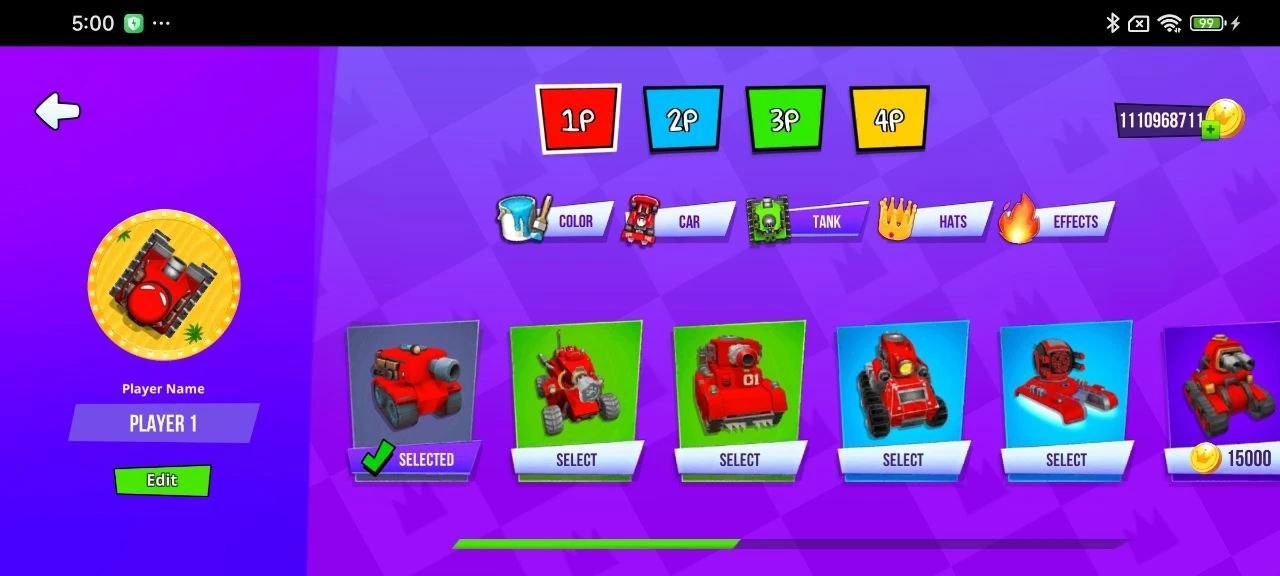
The gameplay is surprisingly varied and keeps things fresh. One minute you’re shooting tanks, the next you’re racing, and suddenly you’re kicking a football. The visuals match this goofy, high-energy vibe with bright colors and smooth animations. Just pick a game and throw yourself into the action. To make things even better, download the Stickman Party mod APK from our site to unlock everything from the start and customize your characters without grinding.
Download Stickman Party 234 for Android
 Google Play