Melon Sandbox MOD APK (Unlocked)
Security Check: Safe (0/57)
No viruses, spyware, or malware detected.
The latest version of the APK has been scanned by 57 antivirus engines:
- Results: View report
- SHA-256: 0f1eb8224c140d85336fb419acc42ec532b7e132859b9cfcc02e8b12dd7e6fd0
- This SHA-256 hash is unique for each file. You can use it to verify that the downloaded file is identical to the one that was checked on VirusTotal.
MOD features
- Many premium store items are unlocked from the first launch.
- Get all ad-rewarded content without watching any ads.
Description
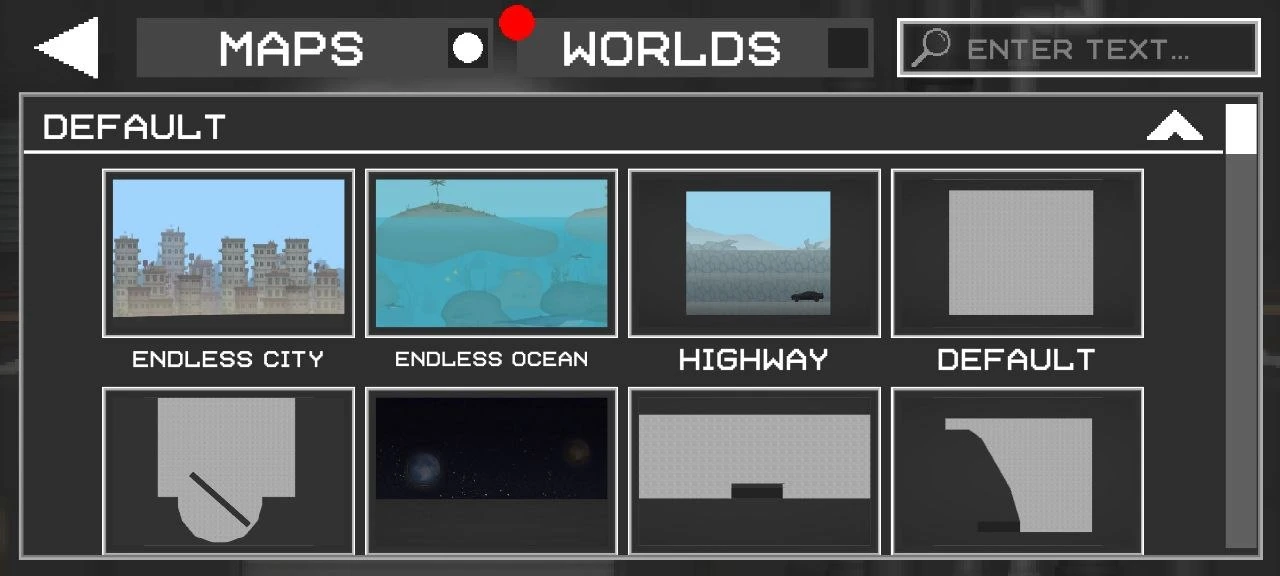
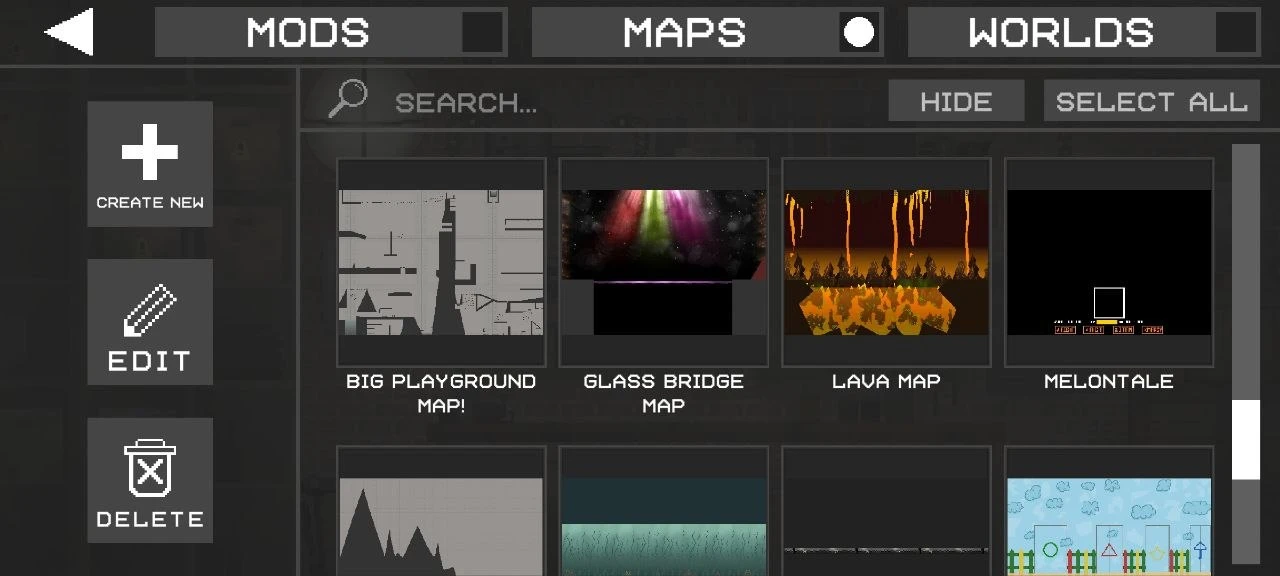
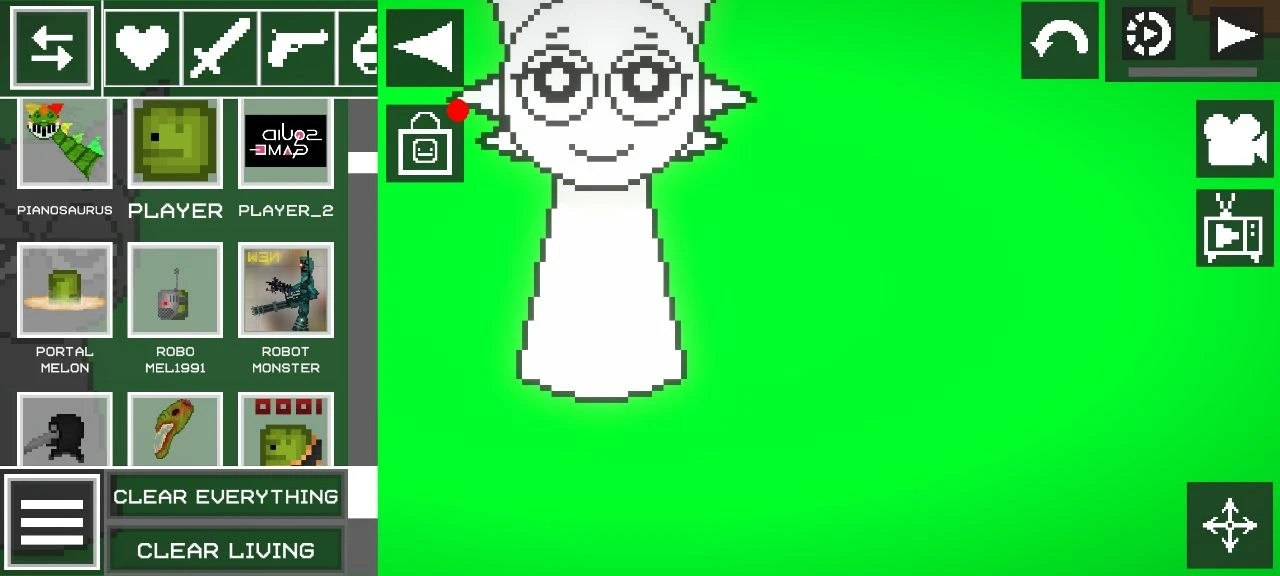
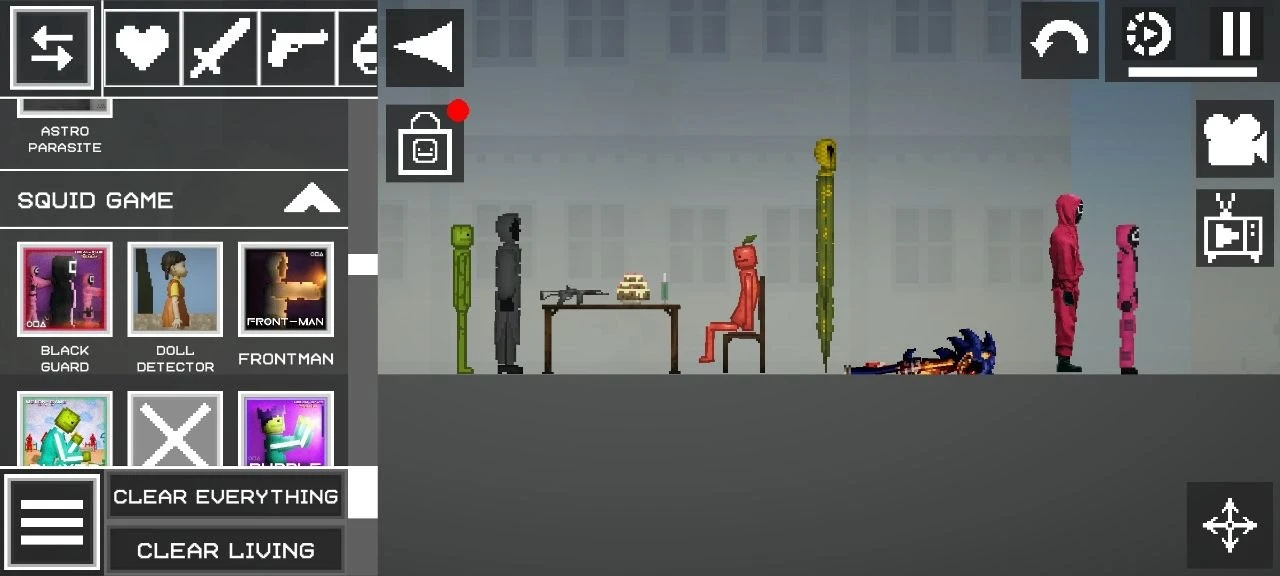
Melon Sandbox drops you into a world where you pick a map, toss in characters, vehicles, weapons - whatever you want. Then you let them loose and see how it all plays out. It’s a playground for chaos, really.
Features
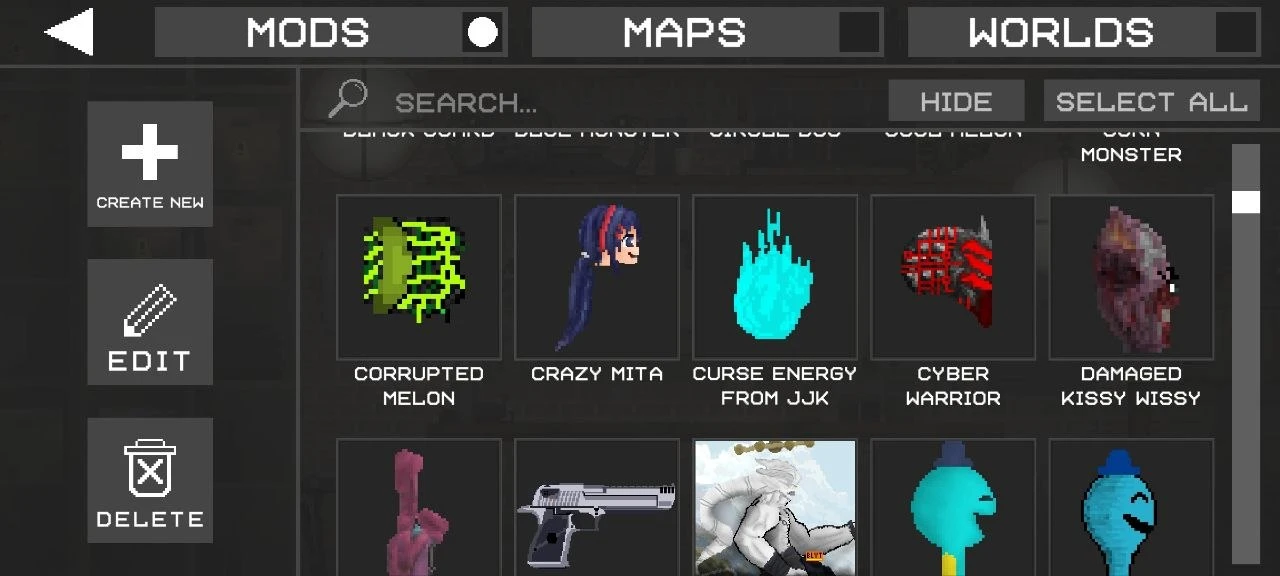
So, what’s cool? There’s an actual marketplace loaded with tons of mods. Some you can buy, some you snag for free if you use the hack. The editor lets you build your own locations, characters, and vehicles. If you’re proud of your creation, go ahead and sell it for coins. There aren’t any real rules here - it’s all about what you dream up.
When you’re playing, you can stick a unit anywhere, drop a trap, or pick out an enemy for them. Every character’s abilities stand out, and you get to see each one in action. If you’re in the mood for mayhem, drop in nuclear tanks, mythical beasts, helicopters, planes - there’s really no end to it. The damage and injuries look pretty realistic, and the physics feel legit, so every crazy moment comes alive on screen.
Download Melon Sandbox for Android
 Google Play