Traffic Rider MOD APK (Unlimited Money)
Security Check: Safe (0/66)
No viruses, spyware, or malware detected.
The latest version of the APK has been scanned by 66 antivirus engines:
- Results: View report
- SHA-256: 795e775bf5b3d9d13ad19502d2ac16786d3669d8c9417880c640801c2d4ba00d
- This SHA-256 hash is unique for each file. You can use it to verify that the downloaded file is identical to the one that was checked on VirusTotal.
MOD features
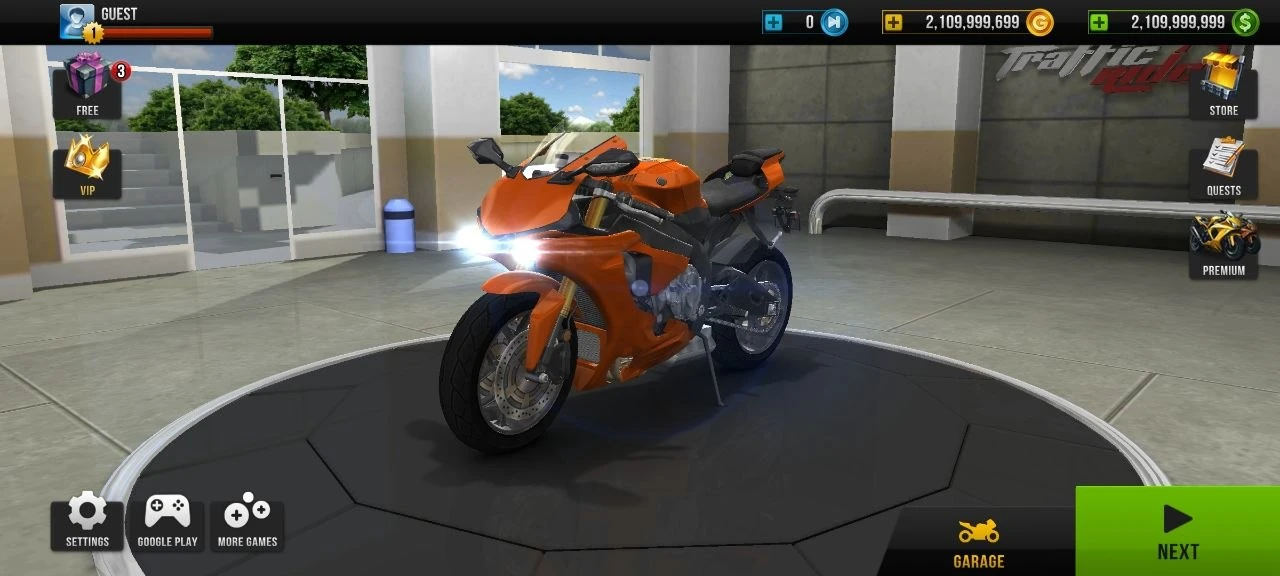
Unlimited money lets you unlock all motorcycles and fully upgrade them.

Description
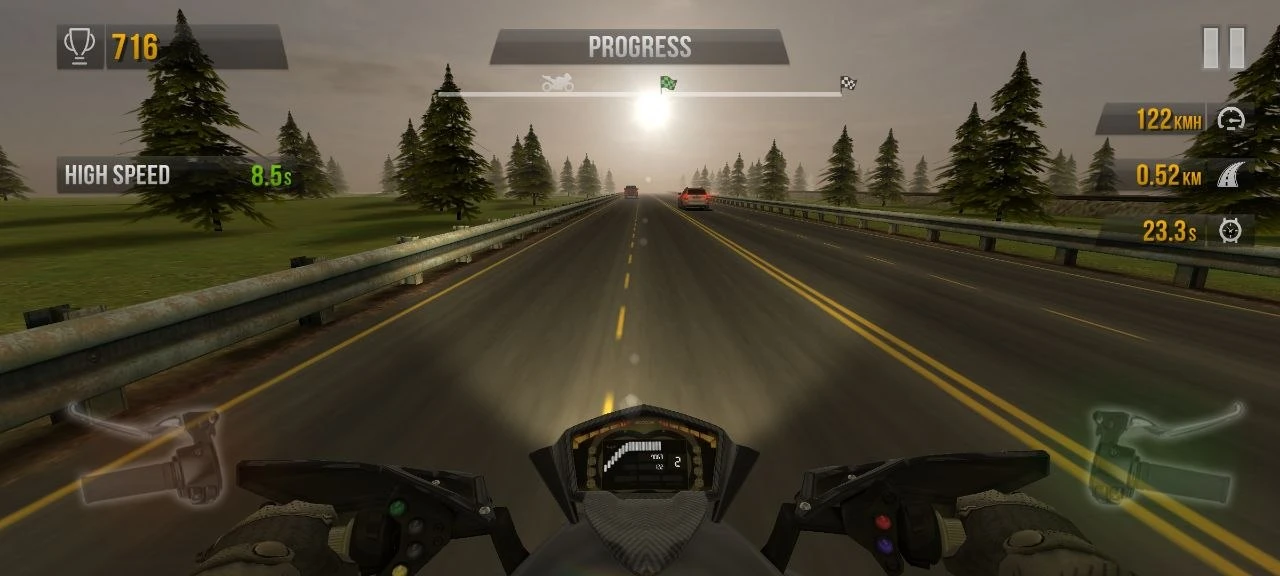
Traffic Rider grabs your attention the moment you hit the gas. You’re right there in the first-person view - blasting down the highway, weaving through cars, trying not to become roadkill with every near-miss. It’s not just about going fast; it’s about dancing with disaster and racking up cash for those heart-stopping moves.
Gameplay and bike upgrades
The core loop is simple but addicting. Dodge cars, ride as close as you dare, and squeeze through traffic at the last second. The riskier you ride, the fatter your wallet gets. That’s what keeps you coming back - every run is a balancing act between speed, control, and nerves.
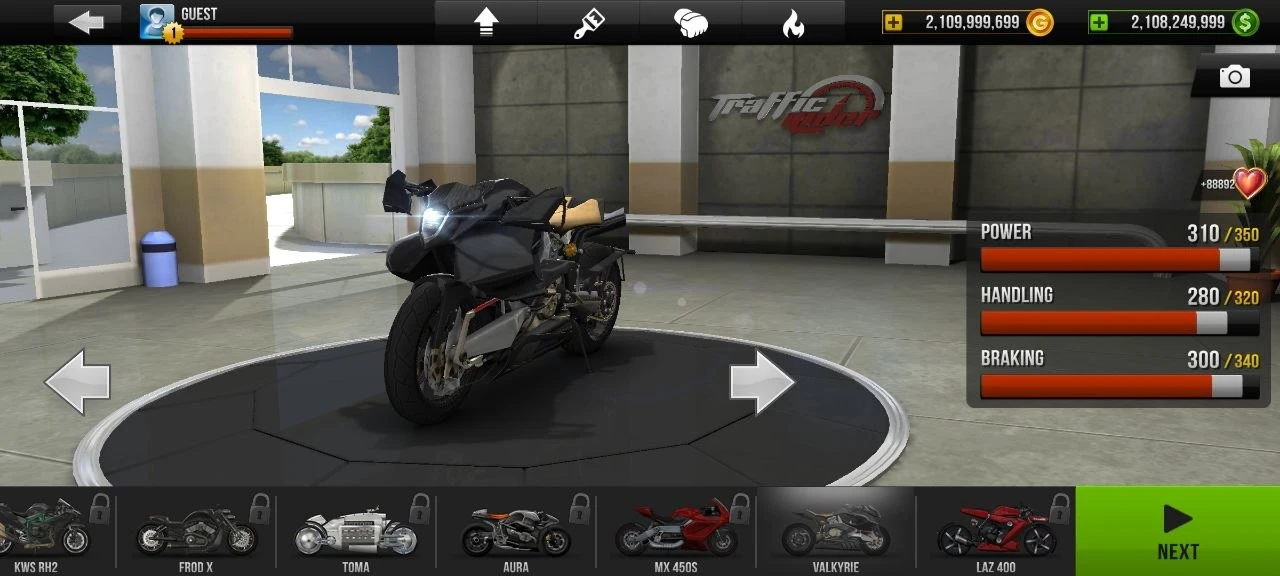
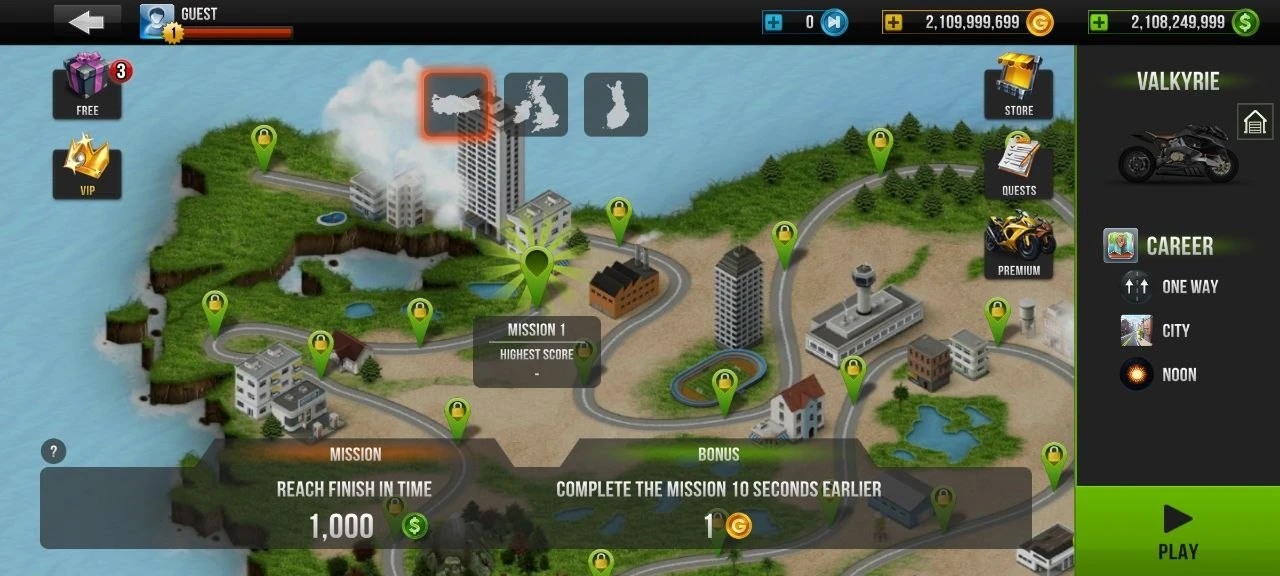
Each mission feels like a new gauntlet, and every victory drops more cash into your pocket. Upgrade your ride or, if you’ve saved enough, grab a new one altogether. Over 20 motorcycles wait for you in the garage, each one feeling a bit different on the road.
Graphics, physics, and atmosphere
Visually, the game impresses. The graphics look sharp, and the physics are spot on for a mobile racer. You get the thrill of speed, especially in first-person, and the smooth animations make close calls feel dangerously real. Sound adds another layer - engines roar, traffic hums, and music keeps the energy up, so sessions never get stale.
Download Traffic Rider for Android
 Google Play