Ellipse: Rocket Pioneer MOD APK (Unlocked)
Security Check: Safe (0/66)
No viruses, spyware, or malware detected.
The latest version of the APK has been scanned by 66 antivirus engines:
- Results: View report
- SHA-256: fd68fea8ba6f3126cb601ab2303e22861083fb7ebf37cef420c6782e89e97fa2
- This SHA-256 hash is unique for each file. You can use it to verify that the downloaded file is identical to the one that was checked on VirusTotal.
MOD features
Use free in-app purchases to unlock the full game.
Description
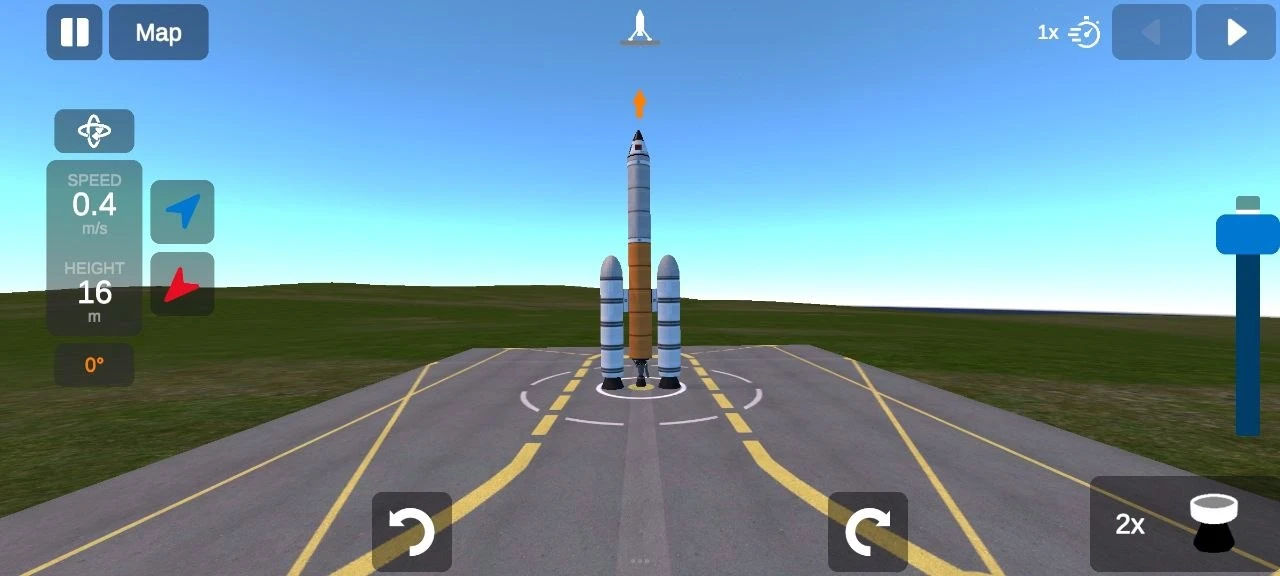
Ellipse: Rocket Pioneer throws you right into the action as you build, piece together, and launch your own spacecraft. Honestly, it's all on you - if you mess up just one part, your rocket can explode or flop before it even gets off the ground.
Gameplay
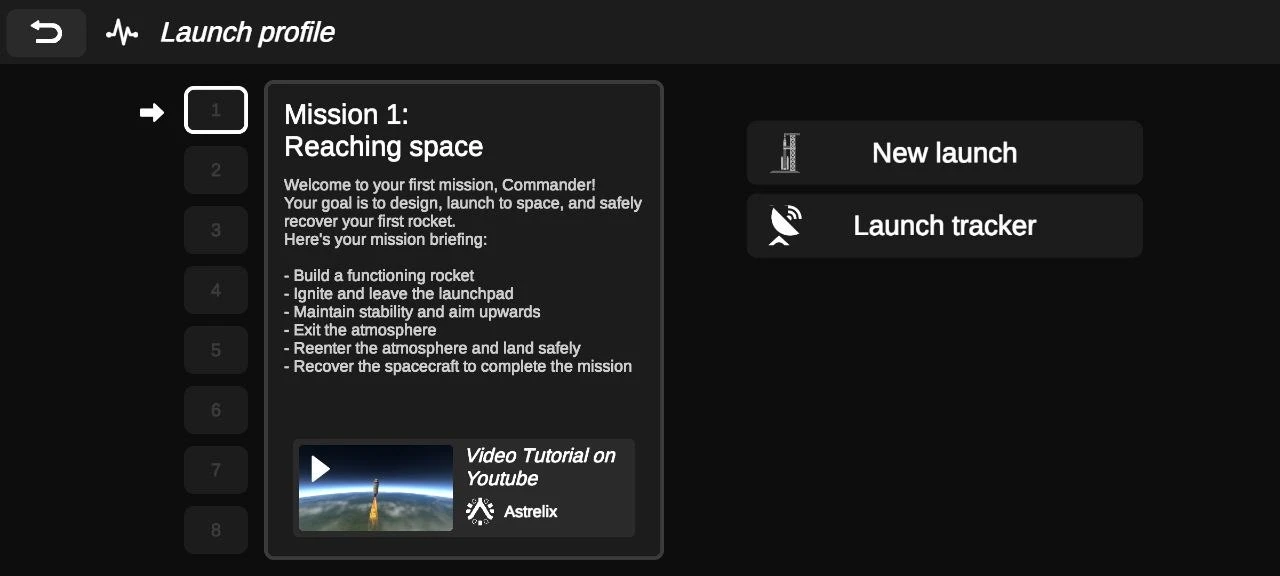
When you press "Play," you head straight into the mission system. The first mission keeps things simple: just get to space. If you’re new, you can check out some tutorial videos first to wrap your head around launches, controls, and how the flight systems actually work before diving into anything tougher.
Here’s what you’re aiming for:
- Pull off a successful launch
- Break through the atmosphere
- Keep the rocket steady
- Survive the drop back to Earth
- Land without smashing your ship to pieces
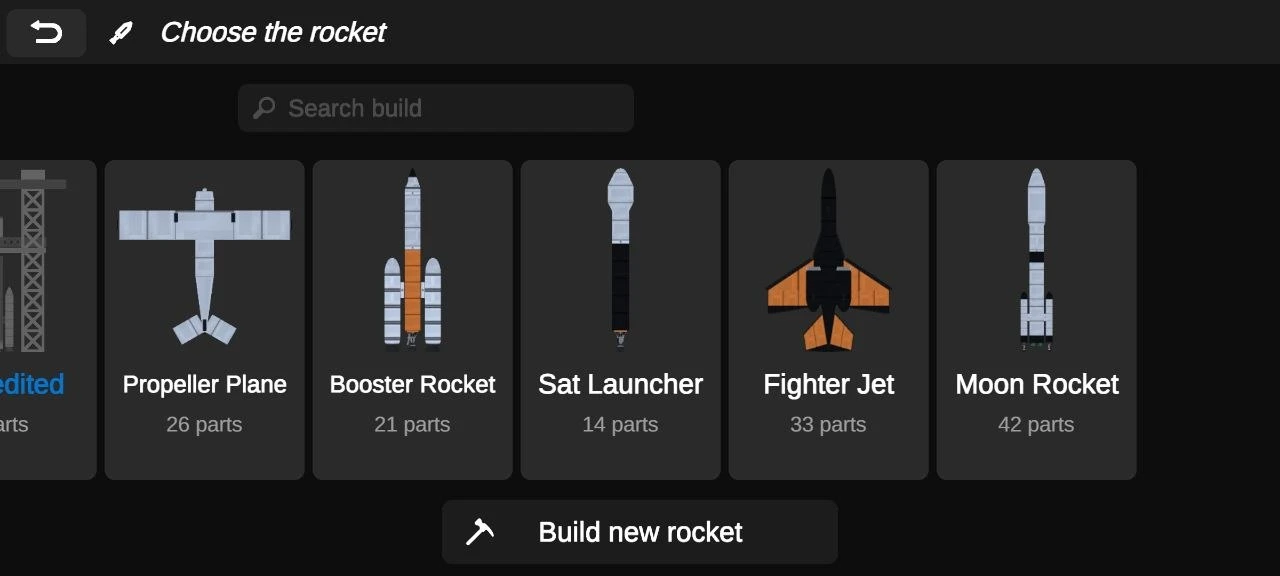
Right before launch, you get a choice: grab a prebuilt rocket, or go all-in and make one your way. Each rocket behaves differently and has its own stats and parts.
The building system gives you lots of options. You can snap together engines, fuel tanks, boosters, control modules, and all kinds of support parts. As you complete missions, you unlock more advanced stuff, which means bigger, beefier rockets for trickier flights.
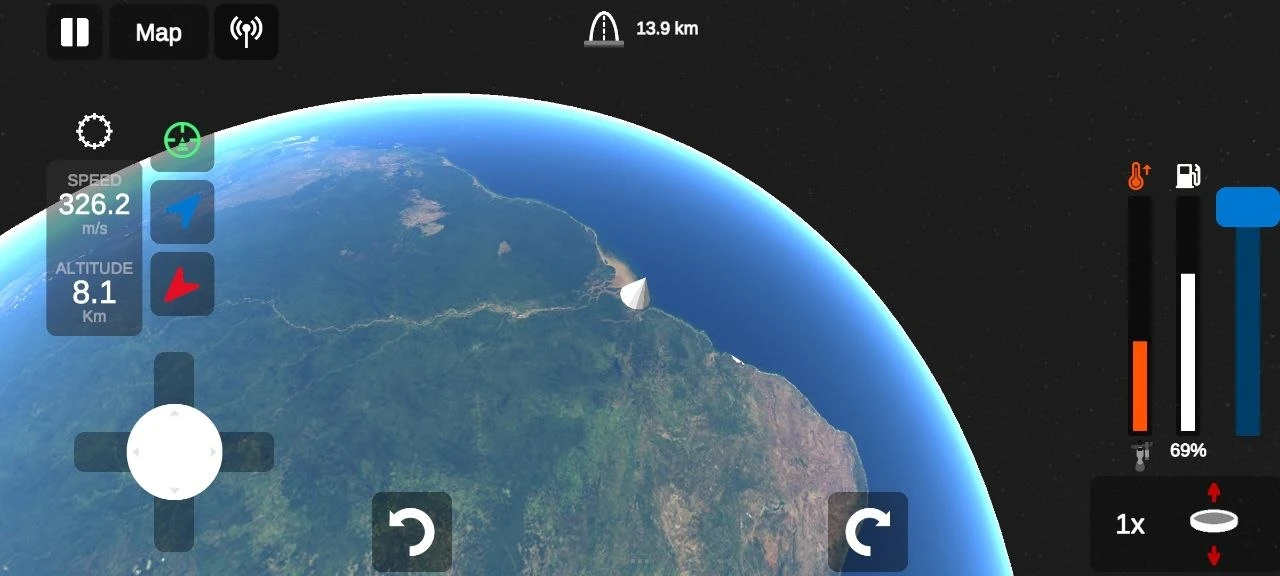
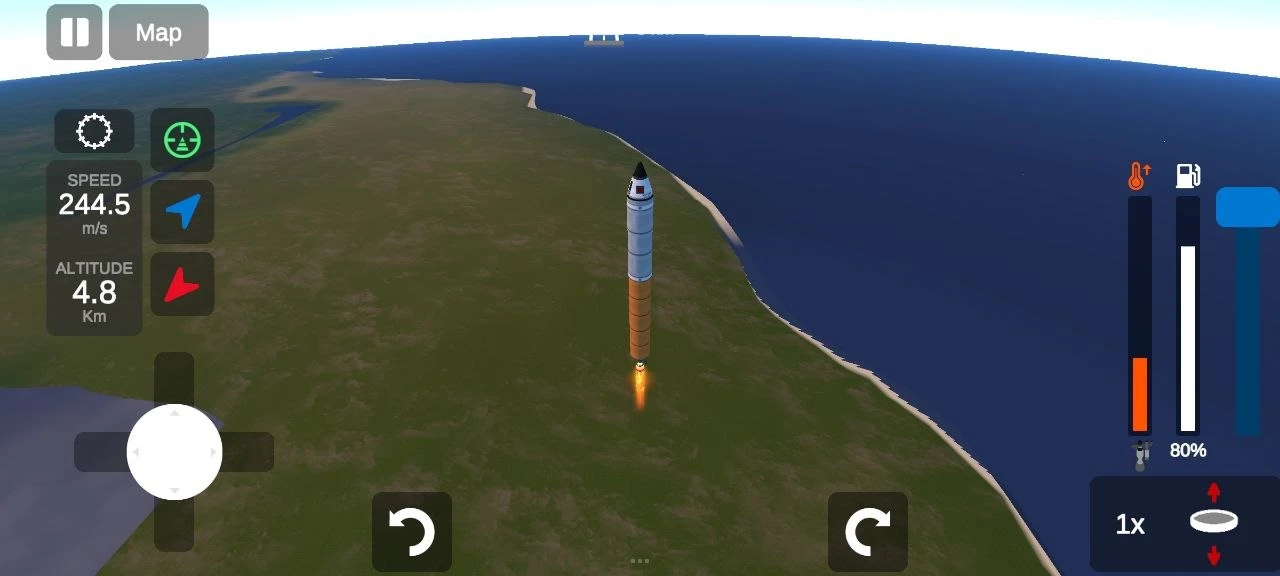
Visually, the game stays clean. But launches feel intense—you get to watch your rocket punch through the atmosphere and leave Earth behind. You can track every phase of the journey in real time, right from liftoff all the way down to a (hopefully gentle) landing.
Download Ellipse: Rocket Pioneer for Android
 Google Play