StreetPro MOD APK (Free in-app purchases)
MOD features
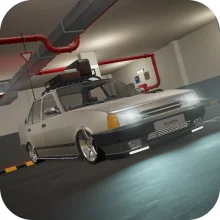
Free purchases let you unlock any car in the game and get unlimited money to spend on tuning and upgrades. No more grinding through annoying missions just to build your dream ride.
Description
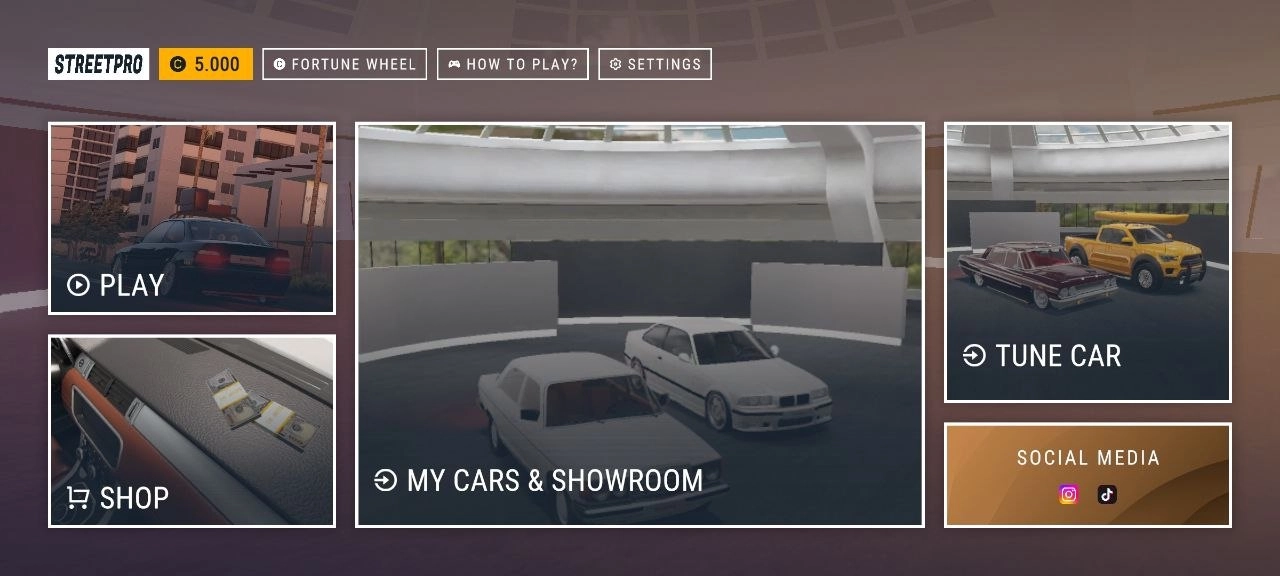
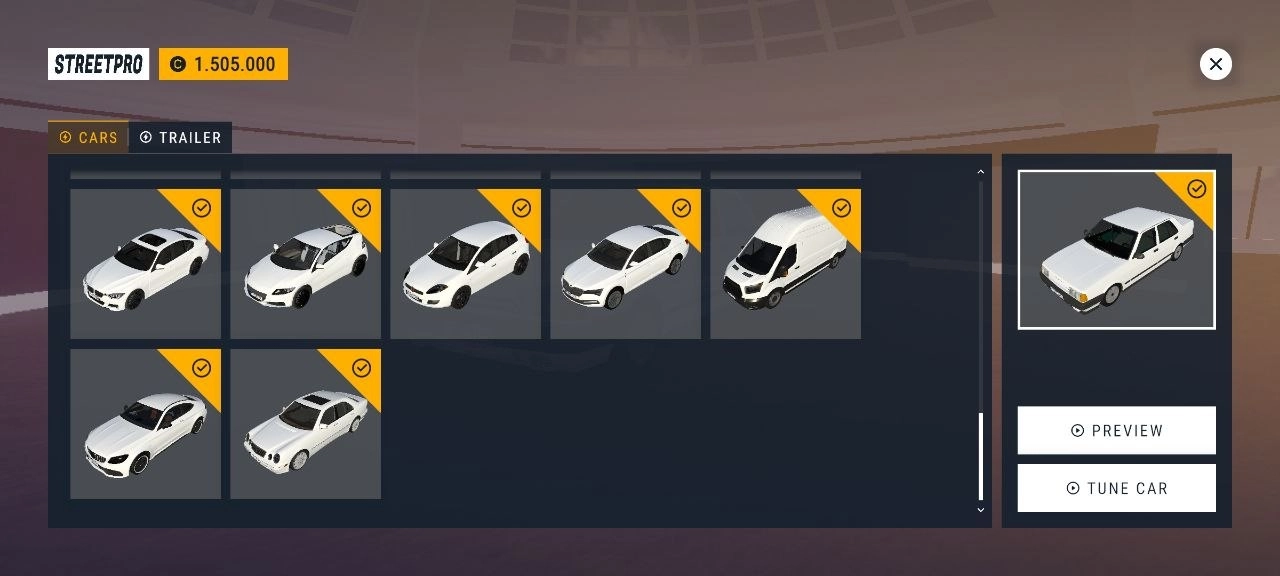
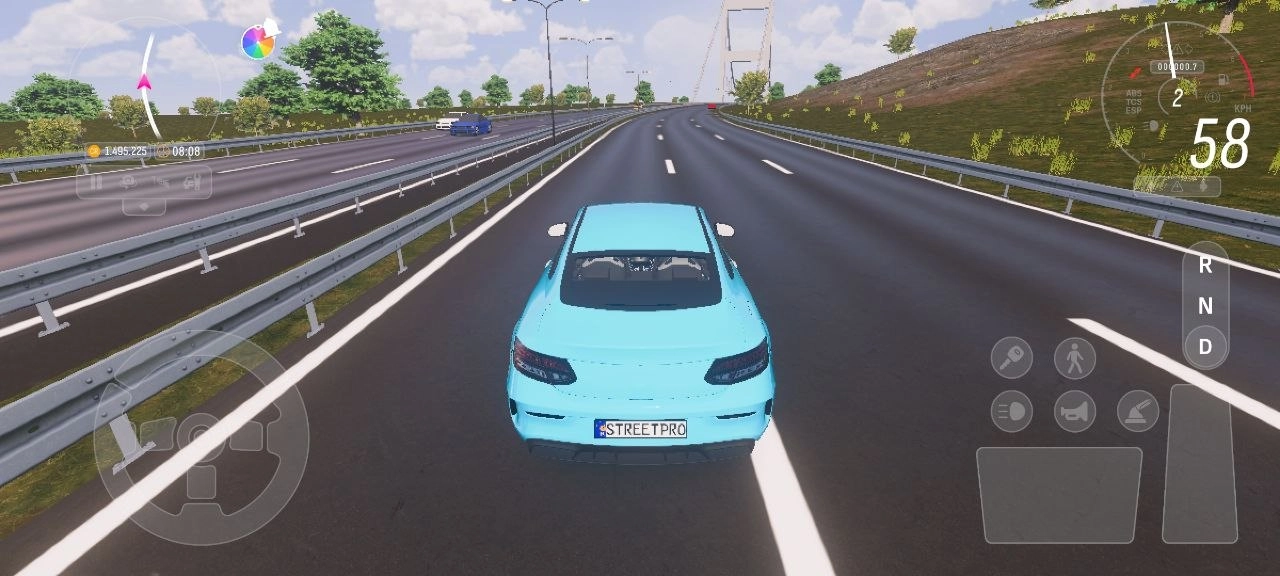
StreetPro – Car Driving Game is one of those driving sims you fire up when you just wanna cruise, mess with your cars, and suddenly realize three hours just vanished. The game really focuses on realistic physics, so every car actually feels different once you hit the road. There are 37 vehicles - modern performance cars, old-school stuff, you name it:
- Mercedes W123
- BMW E36
- Audi RS 6
- Range Rover Sport
- and more
You can even hook up a trailer if you wanna mess around with something weird. But the main thing is the handling. Cars have weight, they react differently depending on the road, and they don't all feel the same.
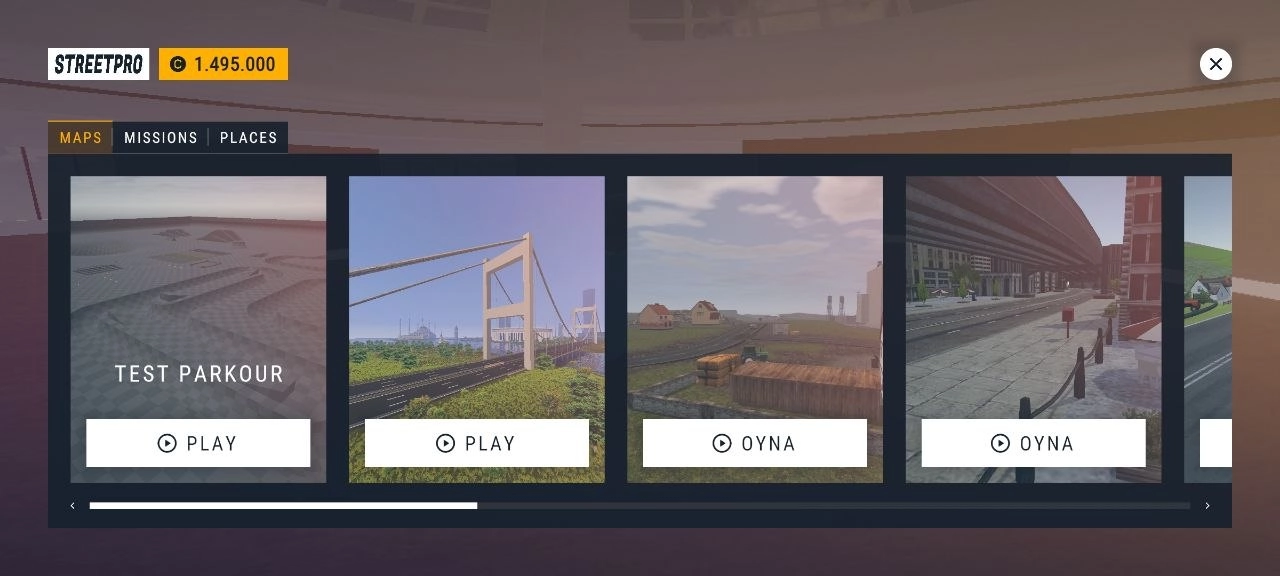
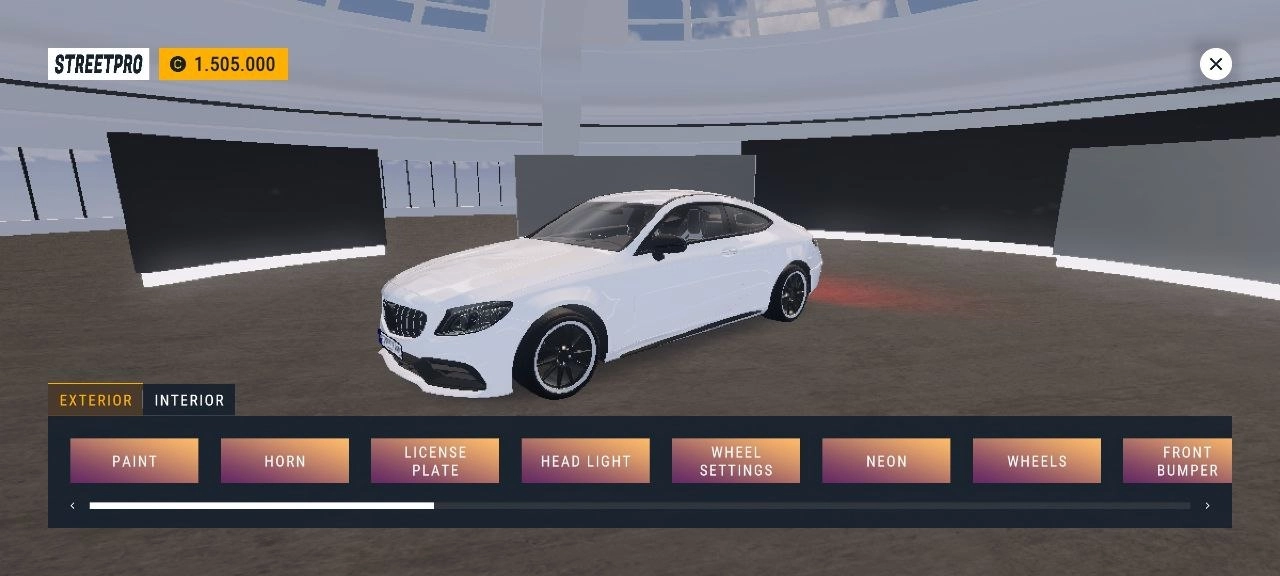
Customization's pretty solid too. You can actually tune and tweak each car in detail - not just swap colors and call it a day. Plus there are 12 different maps, each with its own vibe and layout:
- city streets
- countryside roads
- industrial zones
- and more
So you're not just driving the same roads over and over.
Not into just free driving? There's also a mission section with stuff like car parkour and parking challenges that actually need real precision. Plus smaller side activities and extra objectives scattered around.
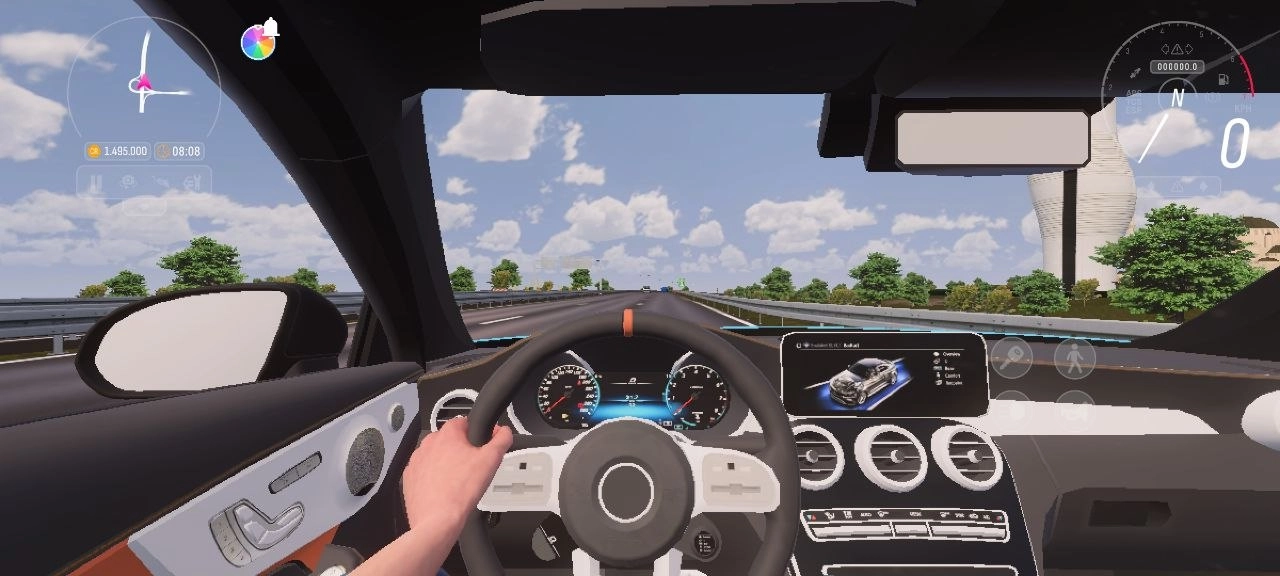
Where StreetPro really nails it is the first-person view. Interiors look legit, visibility feels natural, and it makes cruising way more immersive than you'd expect from a mobile game.
Download StreetPro for Android
 Google Play